1
Step 9
Continue bulk loading your cartridges.
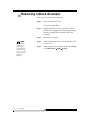
When your bulk load completes, proceed as follows:
Step 1
Close the TM service door.
Step 2
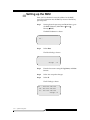
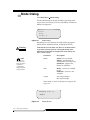
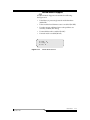
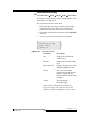
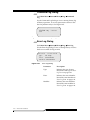
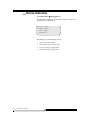
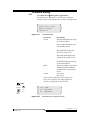
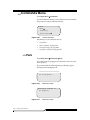
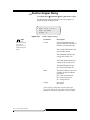
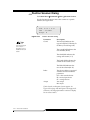
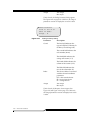
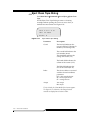
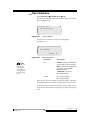
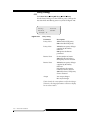
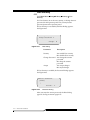
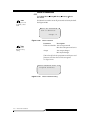
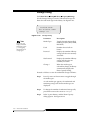
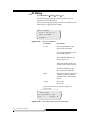
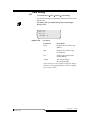
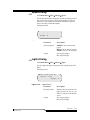
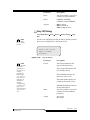
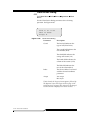
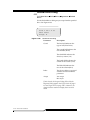
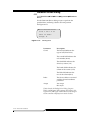
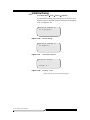
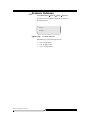
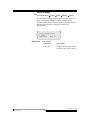
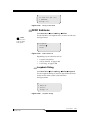
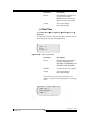
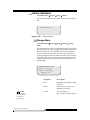
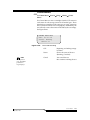
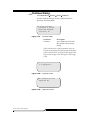
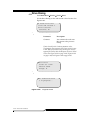
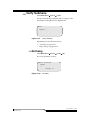
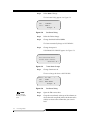
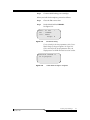
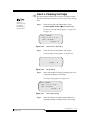
Set the Mode field to LIBRARY.
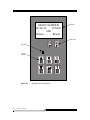
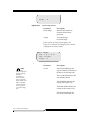
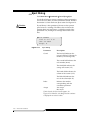
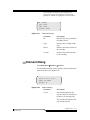
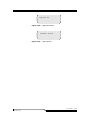
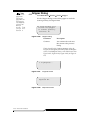
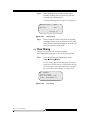
See Figure 5-5.
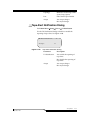
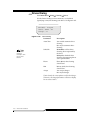
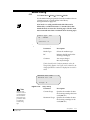
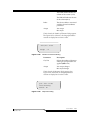
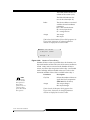
Tower : 01 LTO
<
Mode : LIBRARY
State : READY
Accept: N
Figure 5-5
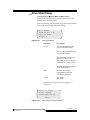
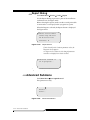
Set Status Dialog
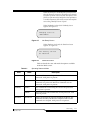
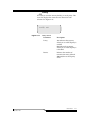
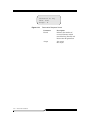
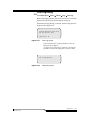
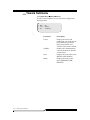
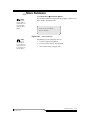
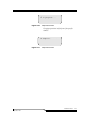
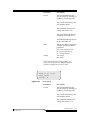
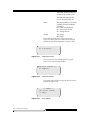
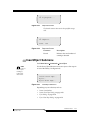
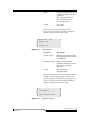
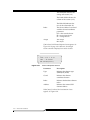
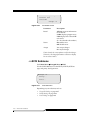
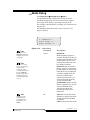
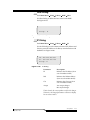
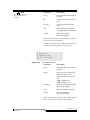
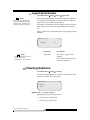
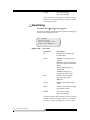
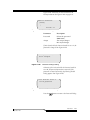
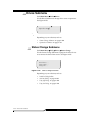
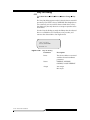
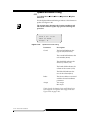
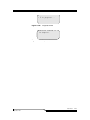
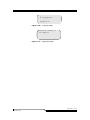
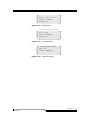
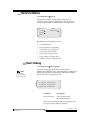
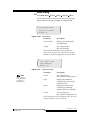
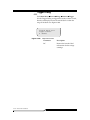
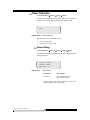
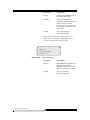
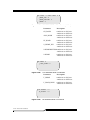
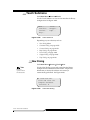
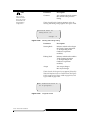
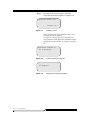
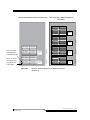
If Y is selected for the Accept parameter value, Tower
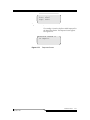
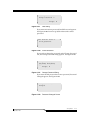
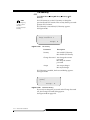
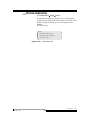
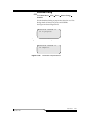
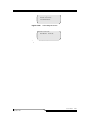
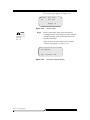
Mode Change in Progress appears. See Figure 5-6.
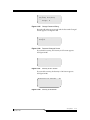
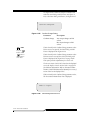
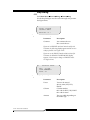
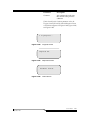
If N is selected for the Accept parameter value, the
display returns to USER mode and no action is taken.
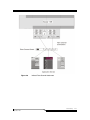
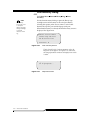
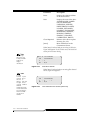
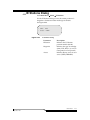
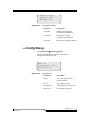
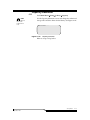
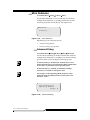
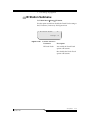
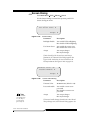
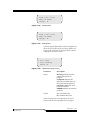
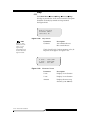
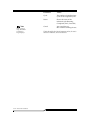
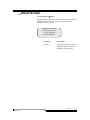
Requested command is
now in progress.
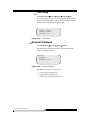
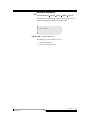
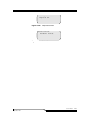
Figure 5-6
September 2007
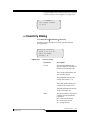
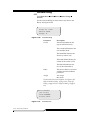
Tower Mode Change In Progress
Inserting Tape Cartridges
5-9