1
MISFEED REMOVAL
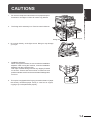
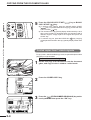
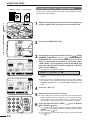
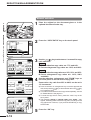
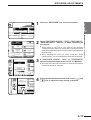
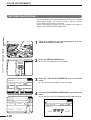
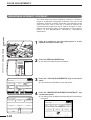
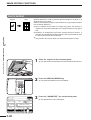
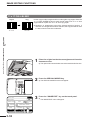
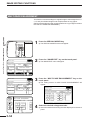
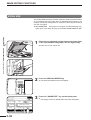
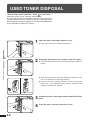
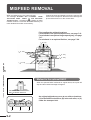
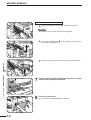
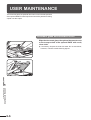
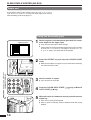
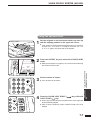
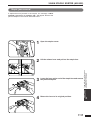
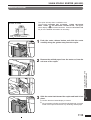
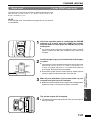
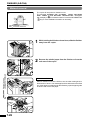
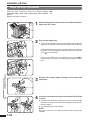
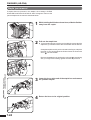
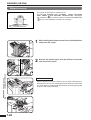
If the misfed paper is in the fusing unit:
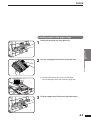
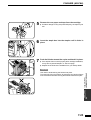
1
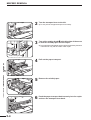
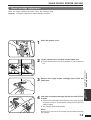
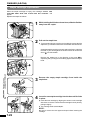
Open the fusing unit cover in the direction of the arrow.
CAUTION
The fusing unit is hot. Use care in removing paper.
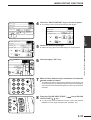
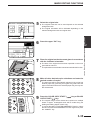
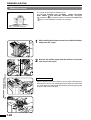
2
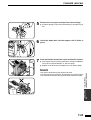
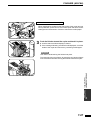
Turn roller rotating knob
remove the misfed paper.
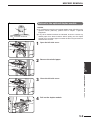
3
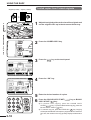
Return the fusing unit cover securely to its original position.
Roller rotating knob B
B
in the direction of the arrow to
5
CHAPTER
COPIER TROUBLE? Misfeed removal
5-8
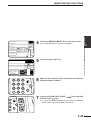
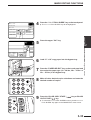
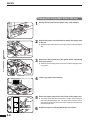
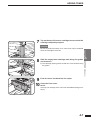
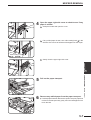
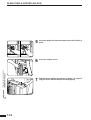
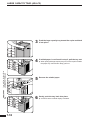
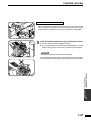
7
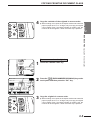
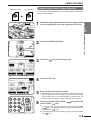
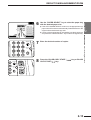
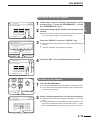
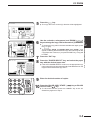
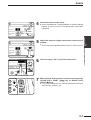
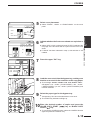
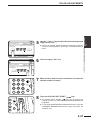
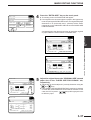
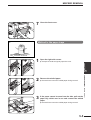
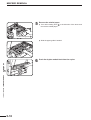
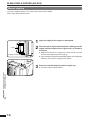
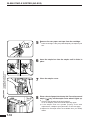
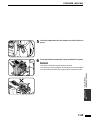
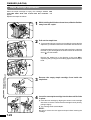
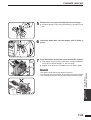
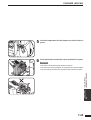
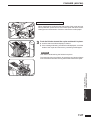
Push the paper transport back securely into the copier
and turn the transport lever back.
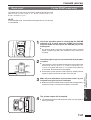
8
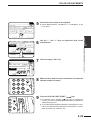
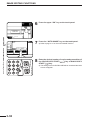
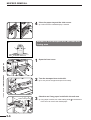
Close the front cover.
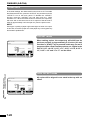
●
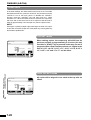
Confirm that the misfeed display is cleared.