1
Millennium 4 Mnl M4094 rev
12/27/02
11:00 AM
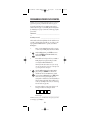
To Program the CBL Key:
1.
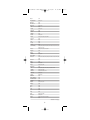
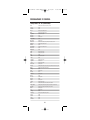
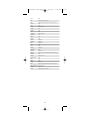
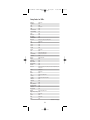
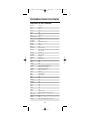
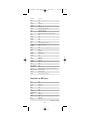
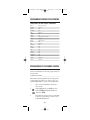
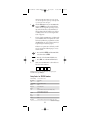
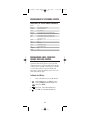
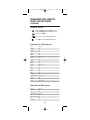
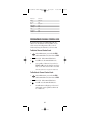
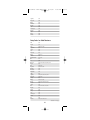
On the next page, locate the brand name of
your Cable Converter in Setup Codes For Cable
Converters, or DBS (Direct Broadcast Satellite)
Receiver in Setup Codes For DBS Receivers, and
write it in the appropriate space below.
Cable Converter Brand: ________________
or
DBS Receiver Brand: __________________
The brands are listed in alphabetical order
with the most popular codes listed first.You
will use one of these codes to reprogram the
Millennium 4 to operate your Cable Converter
or DBS Receiver.
2.
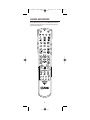
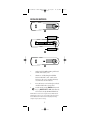
On the Millennium 4, press CBL once. Press
and hold SETUP until the LED blinks twice,
then release SETUP.
3.
Enter the first four-digit code for your Cable
Converter or DBS Receiver. If you perform this
procedure correctly, the LED will blink twice.
NOTE: If the LED did not blink twice after entering
the code’s last digit, then repeat steps 2 through 3 and
try entering the same code again.
4.
Aim the Millennium 4 at your Cable Converter
or DBS Receiver and press POWER once. The
unit should turn off. If it does not respond,
repeat steps 2-3, trying each code listed for your
brand until you find one that works. If it still
does not work , try searching for the code (see
Searching For Your Code on page 24).
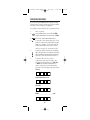
5.
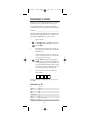
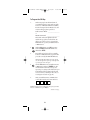
Write your Cable Converter or DBS Receiver
code in the boxes below for future reference.
NOTE: Remember, to use the Millennium 4 to operate your Cable
Converter or DBS Receiver, press CBL first.
continued on next page...
19
Page 19