1
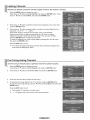
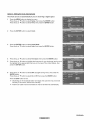
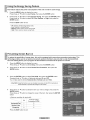
Selecting the Film Mode
Automatically
senses and processes
film signals
from all sources
and adjusts the picture for optimum quality.
1
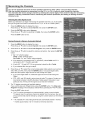
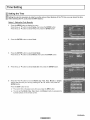
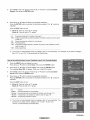
Press the MENU button to display the menu.
Press the A or T button to select Setup, then press the ENTER button.
2
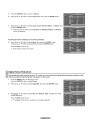
Press the A or T button to select Film Mode, then press the ENTER button.
3
Press the A or T button to select Off or On, then press the ENTER button.
Press the EXIT button to exit.
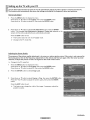
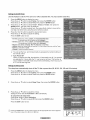
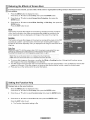
Setting the Blue Screen Mode
If no signal is being received or the signal is very weak, a blue screen automatically
replaces the noisy picture
background.
If you wish to continue viewing the poor picture, you must set the "Blue Screen" mode to "Off".
1
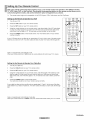
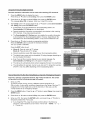
Press the MENU button to display the menu.
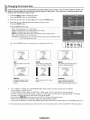
Press the A or T button to select Setup, then press the ENTER button.
2
Press the A or T button to select Blue Screen,
then press the ENTER button.
Press the A or T button to select Off or On, then press the ENTER button.
Press the EXIT button to exit.
_,_ A Blue Screen is displayed when there is no signal from an external device,
regardless of the Blue Screen Setting.
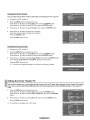
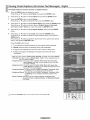
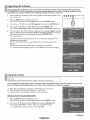
Setting the HDMI Black Level
Use this function
to adjust the Black Level of the picture while in HDMI mode.
1
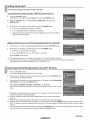
Press the MENU button to display the menu.
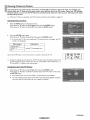
Press the A or T button to select Setup, then press the ENTER button.
2
Press the A or T button to select HDMI Black Level, then press the ENTER
button.
3
Press the A or T button to select Normal
or Low, then press the ENTER button.
Press the EXIT button to exit.
_-_ This function is active only when an externat device is connected
to a TV via HDMI.