1
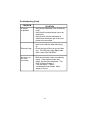
Troubleshooting (Cont)
PROBLEM
IR sensor
in operative
Disc won’t play
Play starts, but
then stops
immediately
SOLUTION
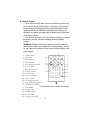
• Verify that the batteries in the remote are
fresh.
• Verify that the remote sensor eye is not
obstructed.
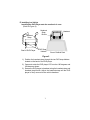
• Verify that the infrared transmitter is
affixed over the sensor eye of the component to be controlled.
• Insert a disc with the label side facing
up.
• Check the type of disc you put into disc
tray. This DVD only plays digital video
discs, audio CDs and MP3s.
• Both the unit and the disc are coded by
region. If the regional codes don’t
match, the disc can’t be played. This
DVD is Region Number 1.
• The disc is dirty. Clean it.
• Condensation has formed. Allow
player to dry out.
31