1
!
Understanding Your Phoneʼs Lines and Buttons
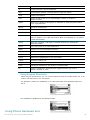
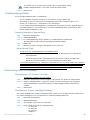
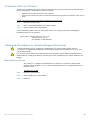
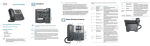
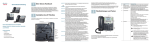
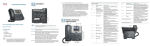
Use the following graphic and table to identify the parts of your phone.
Phone Components
Figure 1
Phone Components
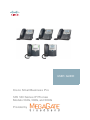
The photo above shows the Cisco SPA 509G to illustrate the Cisco Small Business Pro IP
Phone features. Other models differ.
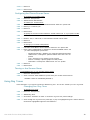
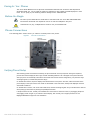
Numbered objects in the photo are explained in the following table.
#
Phone Feature
Description
1
Handset
Pick up to place or answer a call.
2
Message Waiting
Indicator
Displays solid red when you have a new voice mail message.
Flashes red during an incoming call.
3
LCD Screen
Displays date and time, phone station name, line extensions,
and softkey options.
4
Line keys
Indicates phone line status.
When lit:
Green: Line is idle.
Red (steady): Line is active or in use. Red
(blinking): Line is on hold.
Orange: Line is unregistered (cannot be used).
These keys can also be programmed by your phone system
administrator to perform functions such as speed dial, call
pickup, or monitoring an extension.
5
Softkey buttons
"#$%!&'()$!*+%!,(#-+!./0&1!./2&!34)!./5&!!
Press a softkey button to perform the action shown on the label
on the LCD screen above.
!
!
!
6!