1
 6.
MATRIX SETTINGS
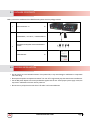
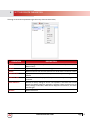
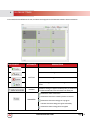
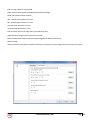
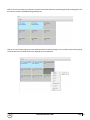
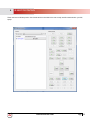
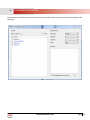
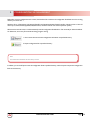
In the main GUI of the HDMI over IP tool, the Matrix area displays all the GUI elements related to device connections.
GUI ELEMENT
ATTRIBUTE
DESCRIPTION
Creates a New Configuration
Modifies the current Configuration.
BUTTON
Deletes the current Configuration.
Applies the Configuration connection settings to the connected
devices.
OPTION
Specifies that settings are applied immediately after you double-click
the intersection between a row and column in the lower part.
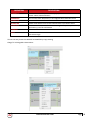
Indicates the status of the matrix.
Indicates that the matrix created by devices is restored.
PARAMETER
Indicates that the matrix settings are in progress.
Indicates that matrix settings are applies successfully.
Indicates that matrix settings fail to be applied.
www.avenview.com
Page
16