1
Entering Text
Entering Text
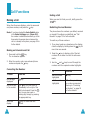
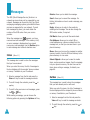
Using the T9 Mode
The T9 predictive text input mode allows you to key
in any character using single keystrokes. This text
input mode is based on a built-in dictionary.
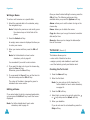
1. When you are in T9 predictive text input mode,
start entering a word by pressing keys
to
. Press each key only once for one letter.
• To enter full stops, hyphens or apostrophes, press
the
key. The T9 mode applies grammar rules
to ensure that the correct punctuation is used.
Example:
L
is used twice to display two
punctuation marks:
e
t
’
s
e
a
t
.
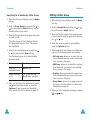
Example: to enter Hello in T9 mode,
press
,
,
,
and
.
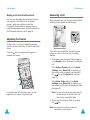
The word that you are typing appears on the
display. It may change with each key that you
press.
2. Enter the whole word before editing or deleting
the keystrokes.
3. If the word is correct, start entering the next
word.
Otherwise, press the
,
or
key to
display alternative word choices for the keys
that you have pressed.
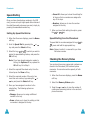
Example: both Of and Me have the sequence
,
. The phone displays the most
commonly used choice first.
4. Put a space between each word by pressing the
key.
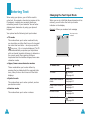
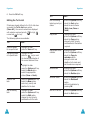
• To shift the case in T9 mode, use the
key.
There are three cases: Lower Case ( ), Initial
Capital ( ) and Capital Lock ( ).
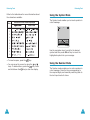
• You can move the cursor by using the and
keys. To delete letters, press the
key. Press
and hold the
key to clear the display.
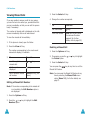
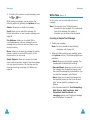
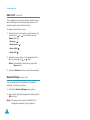
Using the Upper/Lower-Case
Character Mode
Use the
to
keys to enter your text.
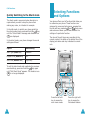
1. Press the key labeled with the required letter:
- Once for the first letter
- Twice for the second letter
- And so on
2. Select the other letters in the same way.
Note: The cursor moves to the right when you press a
different key. When entering the same letter
twice or a different letter on the same key, just
wait for a few seconds for the cursor to move
right automatically, and then select the next
letter.
46
47