1
Phone Settings
My Settings
Phone Settings
(Menu 5.2)
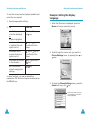
You can change the background image and the
disply style of the menu mode according to your
preference.
Wallpaper
Greeting Message
(Menu 5.3)
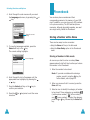
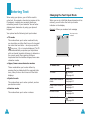
This option allows you to set a greeting message to
be displayed briefly when the phone is switched on.
When you select this menu, the current message is
displayed.
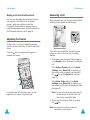
This option allows you to change the background
image (wallpaper) to be displayed in idle mode.
To
Press the
To change the background image:
clear the existing
message
key and hold it until the
message is cleared.
enter a new
message
appropriate alphanumeric
keys.
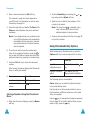
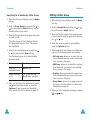
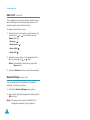
1. Scroll through the list by pressing the
key.
or
You have various preset images available. If you
set a photo as your wallpaper in the My Photos
menu option (Menu 3.2), you can see it by the
name of My Photo.icn.
If you do not want to use the background image,
select Blank Wallpaper.
2. Press the Select soft key when the desired
image highlights.
The selected image is displayed.
3. After viewing the image, press the Select soft
key to display it on the idle screen. The display
asks you if you want to display text on the
screen.
4. Press the Yes soft key to display the current
date and time on the wallpager image. To display
only the wallpaper, press the No soft key.
change the text
input mode
soft key.
For further details on how to enter characters, refer
to page 44.
Own Number
(Menu 5.4)
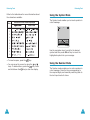
This feature allows you to:
• Assign a name to your own phone number
registered on your SIM card
• Edit the name and number
This function is a memory aid, which you can use to
check your own phone number if you need to do.
Any changes made here do not in any way affect
the actual subscriber number on your SIM card.
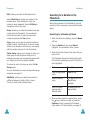
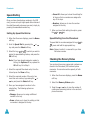
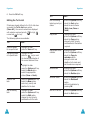
Menu Style
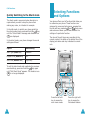
This option allows you to select the menu display
style. You can choose between Film Style and
Page Style.
84
85