1
▲ Uniden Data 2000 Wireless CDPD PC Card
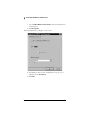
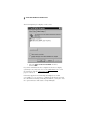
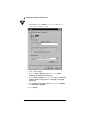
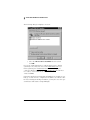
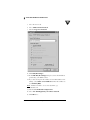
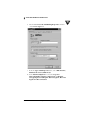
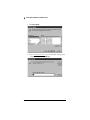
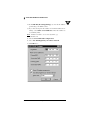
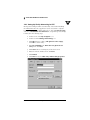
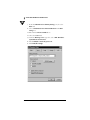
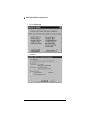
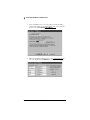
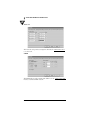
11. In the Allowed network protocols, deselect NetBEUI and
IPX/SPX Compatible and select TCP/IP.
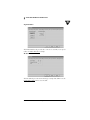
12. Click TCP/IP Settings.
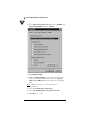
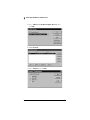
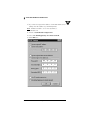
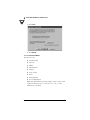
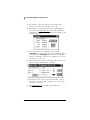
13. From the TCP/IP Settings box, if you have been given the
address of a Domain Name Server (DNS), select Specify
name server addresses. Enter the address as your Primary
DNS.
Note: A DNS is needed to access sites by name, i.e.
www.uniden.com.
14. Deselect Use IP header compression.
15. Select Use default gateway on remote network.
16. Click OK twice to exit.
2-32




















![Aranda ASSET MANAGEMENT [1]](http://vs1.manualzilla.com/store/data/006225916_1-fe6c6c2f8fe077492bc5d94cd59bebaa-150x150.png)