1
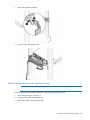
1.
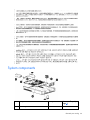
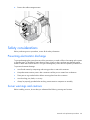
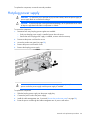
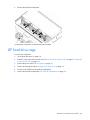
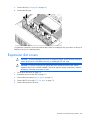
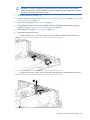
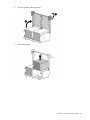
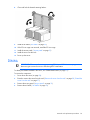
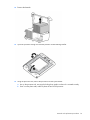
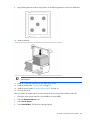
Remove the cable arm retainer.
2.
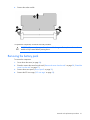
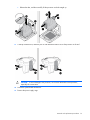
Open the cable management arm.
Cable management arm with right-hand swing
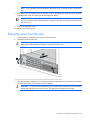
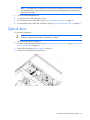
NOTE: To access some components, you may need to remove the cable management arm.
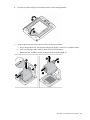
To access the product rear panel components, open the cable management arm:
1.
Power down the server (on page 26).
2.
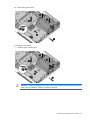
Swing open the cable management arm.
3.
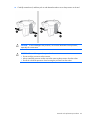
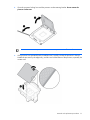
Remove the cables from the cable trough.
Removal and replacement procedures
29