1
Operations
Alarms
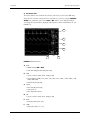
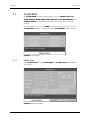
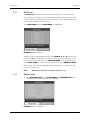
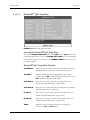
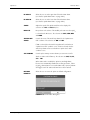
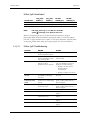
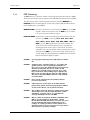
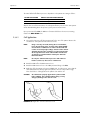
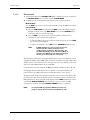
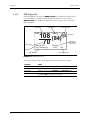
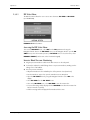
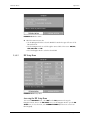
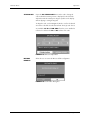
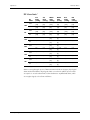
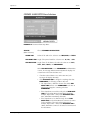
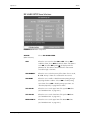
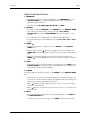
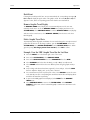
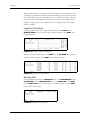
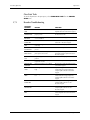
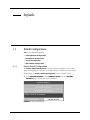
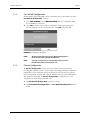
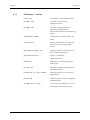
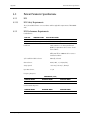
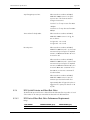
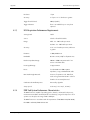
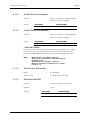
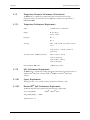
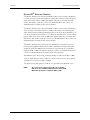
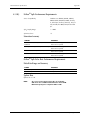
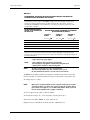
RESP ALARM SETUP Menu Selections
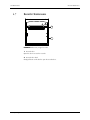
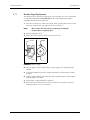
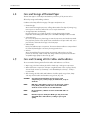
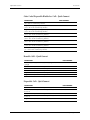
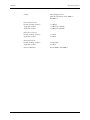
FIGURE 2-53 RESP Alarm Setup Menu
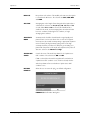
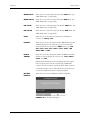
ALM SEL
Choose RESP ALARM SETUP.
(Alarm Selection)
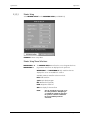
ALM
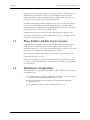
Allows the user to turn the alarm ON or OFF. Choose ON to
enable the alarm; choose OFF to disable the alarm. If the alarm is
set to OFF, the alarm OFF symbol
will display within the
parameter tile. The alarm is activated when the measurement
exceeds the high or low limits.
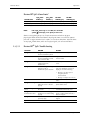
ALM PRIORITY
Allows the user to select the priority of the alarm. Choices are 1,
2, and 3. Priority 1 alarms are considered the most serious.
ALM PRINT
Allows the user to enable or disable automatic printing during a
physiological alarm condition. Choose ON to enable printing
upon alarm. Choose OFF to disable printing upon alarm. See
“Recorder (Optional)” on page 2-82 for details.
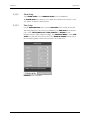
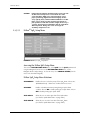
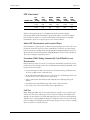
ALM HI
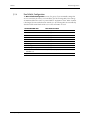
Allows the user to set the upper limit of the RESP alarm. (See
“Respiration Rate Alarm Limits” on page 2-30.)
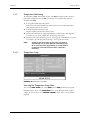
ALM LO
Allows the user to set the lower limit of the RESP alarm. (See
“Respiration Rate Alarm Limits” on page 2-30.)
Trio™ Operating Instructions
0070-10-0666-01
2 - 73