1
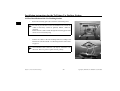
Installation instructions for the TriVision Car Docking Station
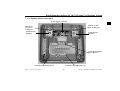
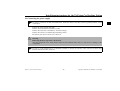
10.1 Connecting adapter box for audio/video in
•
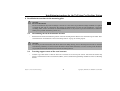
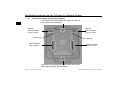
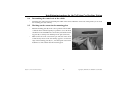
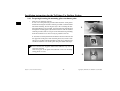
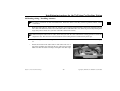
Attach the adapter box (E) (two screws) and open the adapter box.
•
Loosen the cable clip screw.
•
Connect the audio/video in cable to the white socket. The connector
can only be attached in one direction.
•
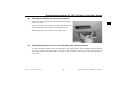
Push the housing grommet of the audio/video in cable into the recess on the adapter box housing.
•
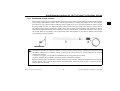
Fasten the cable with the cable clip.
In order to achieve a correct earth connection, ensure that the cable
screening is clamped with the cable in the cable clip.
•
Close the adapter box and fasten it again via the screws.
Subject to errors and technical changes
50
Copyright by Harman/Becker GmbH, D-76303 Karlsbad