1
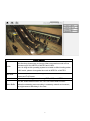
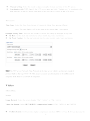
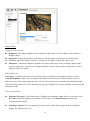
Client Setting
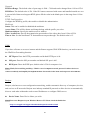
Profile
View Size
Protocol
Video Buffer
Click the drop-down menu to choose video compression mode of Live
View among H.264, MPEG-4, MJPEG and H.264.
Note: As long as the operating system is not able to afford loading under
H.264 mode, please downgrade the mode to MPEG-4 or MJPEG.
Select the desired view size of image resolution between Fit
Screen and Full Screen.
Select the transferring protocol among TCP, UDP, and HTTP.
Turn the Video Buffer function On / Off. The Video Buffer function
makes the streaming more smoothly in unsteady network environment,
but might cause a little delay in live view.
7