1
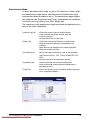
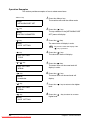
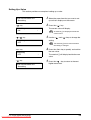
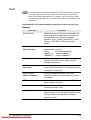
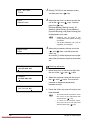
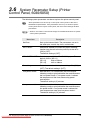
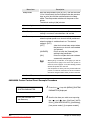
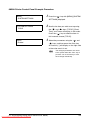
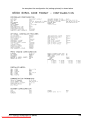
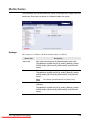
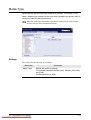
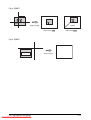
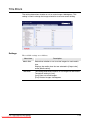
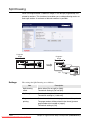
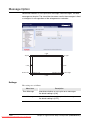
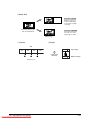
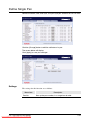
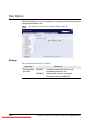
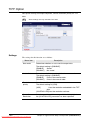
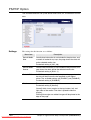
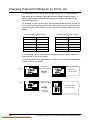
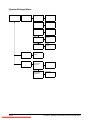
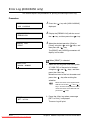
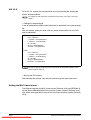
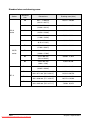
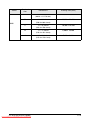
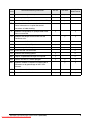
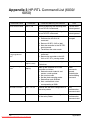
[Print Setup] Menu
The Print Setup menu should be used immediately after loading new
media or changing the type and/or size of media in the media drawers or
the bypass (MSI).
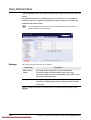
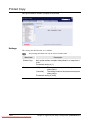
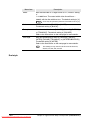
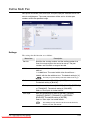
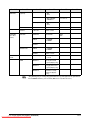
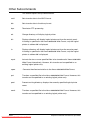
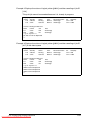
Print Setup
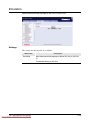
Tray
Fuser
Roll *1,2
Roll *3,4
*Enable
*Disable
Bypass
*Enable
*Disable
Temp.
*Auto
*Manual
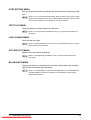
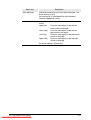
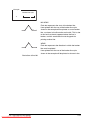
T h e f ea t u r e s i n t h e [ F u s e r ]
submenu, while still present in
the menu system, are not
supported by the 6050A.
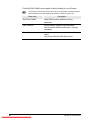
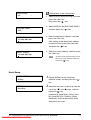
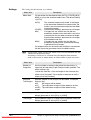
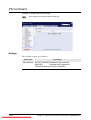
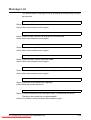
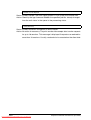
*Cycle Up
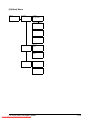
Media
Roll *1, *2, *3, *4
Bypass
Downloaded206
From ManualsPrinter.com Manuals
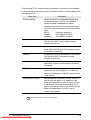
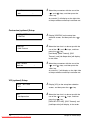
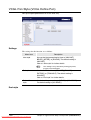
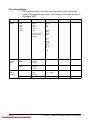
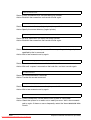
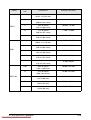
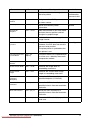
Type
*Bond
*Vel.
*Film
Weight
*Ord.
*Heavy
*Light
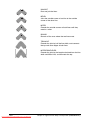
Series
*Arch.
*A
*Sp.A-1
*Sp.A-2
*ANSI
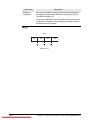
Trim
*1
*2
*3
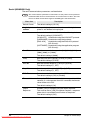
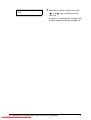
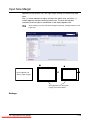
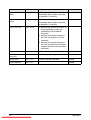
Type
*Bond
*Vel.
*Film
Chapter 5 Additional Operations from the Printer Menu