1
Chapter 2 – Connections
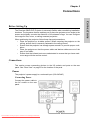
Turning On/Off
Follow these instructions to turn on projector.
CONNECTIONS
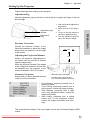
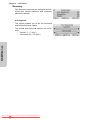
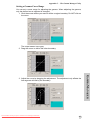
1. Press the power switch on the rear panel to supply power to the projector.
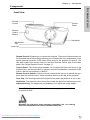
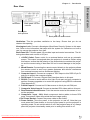
Press this switch to supply power to the projector.
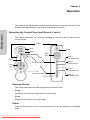
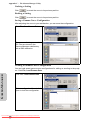
2. Press the Power button on the control panel or remote control.
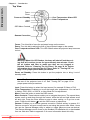
Press the
power button.
The fan starts running and the projector warms up. After the projector warms
up, (approximately 30 sec.) the image appears on the screen.
Downloaded From projector-manual.com Boxlight Manuals
12