1
NextelUG_i700.fm Page 28 Friday, June 16, 2000 3:15 PM
Plus Dialing
This feature enables you to place an international call from most
countries—without entering the local international access code.
1
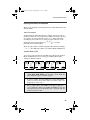
Press and hold 0 for two seconds. A “0” appears, then
changes to a “+”.
NOTE: The network translates the “+” into the appropriate
international access code needed to place the call.
2
Enter the country code, city code, and phone number.
3
Press S.
Receiving a Phone Call
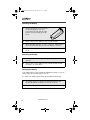
An incoming call is indicated by a ring, vibration or backlight
illumination.
You can answer the call by pressing any numeric key (0-9), or by
pressing S, #, or * .
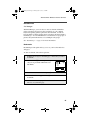
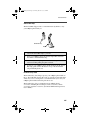
Missed Call Indicator
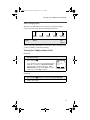
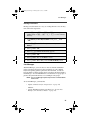
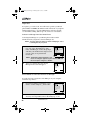
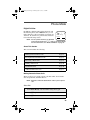
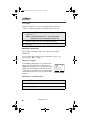
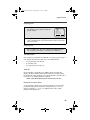
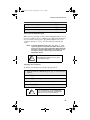
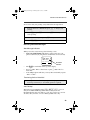
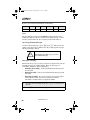
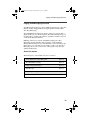
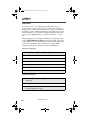
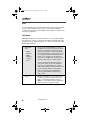
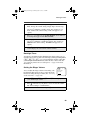
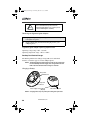
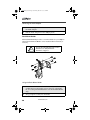
Your i700plus phone notifies you of unanswered
phone calls. If you subscribe to Caller ID, your
i700plus phone temporarily stores the caller’s phone
number in your Last 10 Received Calls list. Your
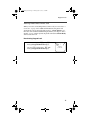
screen displays a flashing message with the number
of missed calls. Press any key to clear the flashing
indicator.
Retrieving a List of Missed Calls
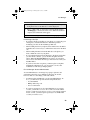
1
Press M until you see the “Calls” option.
2
Press P under “Calls”.
3
Press Q to scroll the list.
www.nextel.com
28
s
f
b
Phone Ready
Nextel
2 Rcvd Calls
Name
Mail