1
Organiser
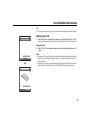
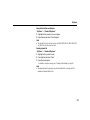
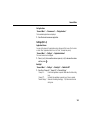
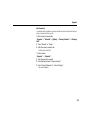
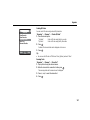
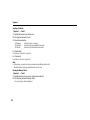
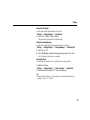
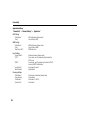
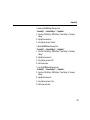
Setting the Daylight Saving
“Organiser” → “World Clock”
1. Press [Edit].
2. Select “Daylight Saving”.
3. Select “On” or “Off”.
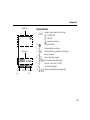
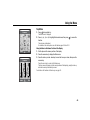
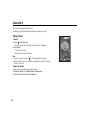
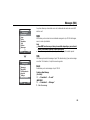
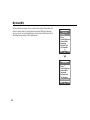
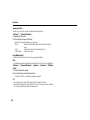
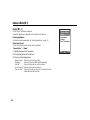
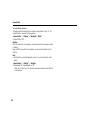
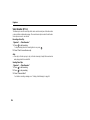
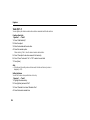
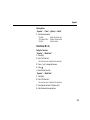
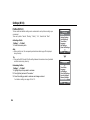
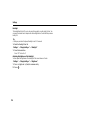
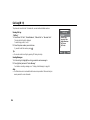
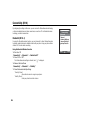
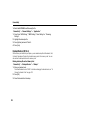
Countdown Timer (M 7-9)
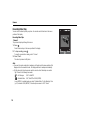
“Organiser” → “Countdown Timer”
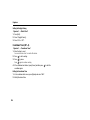
1. Enter the time to count.
You can set the time from 1 second to 60 minutes.
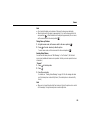
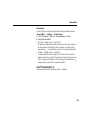
2. Press
to start counting.
3. Press
to pause.
Press
again to continue counting.
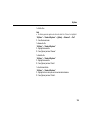
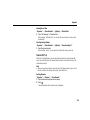
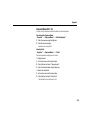
4. If the countdown has finished, press [Cancel] and then press
countdown again.
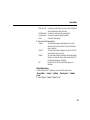
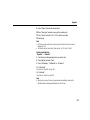
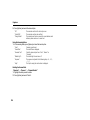
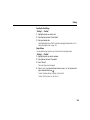
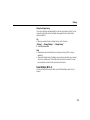
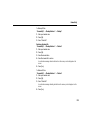
Editing the Countdown Time
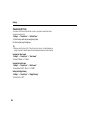
1. In the countdown start screen, press [Options] and select “Edit”.
2. Modify the desired time.
164
to start the