1
Settings
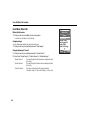
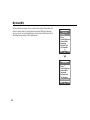
Tip
• You can select from two levels or an increasing volume, when selecting the “Silent”
profile.
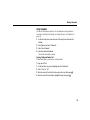
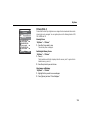
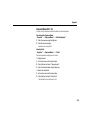
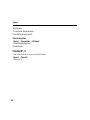
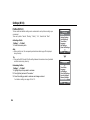
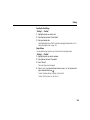
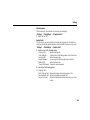
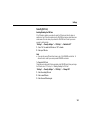
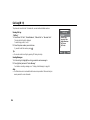
Assigning a Ringtone
You can select the ringtone from 28 tones including 5 patterns,13 sound effects and 10
melodies. You can also select a sound in Saved Sounds as the default ringtone excluding
the AMR or WAVE format.
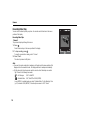
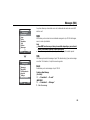
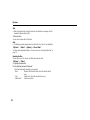
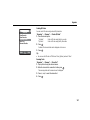
“Settings” → “Profiles”
1. Highlight the profile you wish to customise.
2. Press [Options] and select “Personalise”.
3.
4.
5.
6.
7.
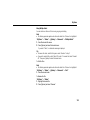
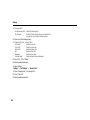
Select “Ringtone/Ringvideos”.
Select “For Voice Call” or “For Video Call”.
Select “Assign Tone”.
Select “Preset Sounds” or “My Sounds”.
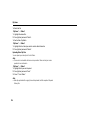
Highlight the ringtone you wish to use.
To hear the demo play, press [Options] and select “Play”.
8. Press [Options] and select “Assign”.
170