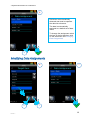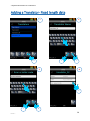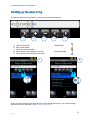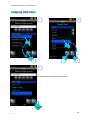
1
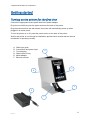
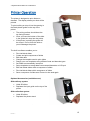
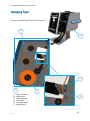
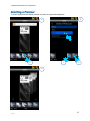
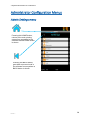
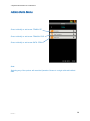
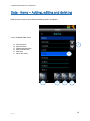
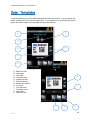
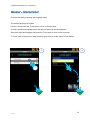
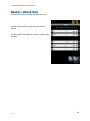
Pyramid Innovation Ltd 12-08-2014 Getting started Turning on the printer for the first time Connect the appropriate mains power lead to the power adaptor. Plug the round 24V plug into the power socket at the back of the printer. Plug the mains lead into the wall socket, the printer will automatically power up when plugged in to mains power. To turn the printer on or off, press the power button on the back of the printer. Wait for the printer to run through its initialisation process which checks that the internal mechanism is operating correctly. A. B. C. D. E. F. Slide input guide Connections and power input Touch display Slide collection tray Mains adaptor Barcode scanner A C B D E F 11 Issue 7