1
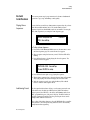
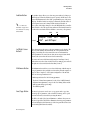
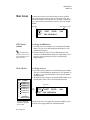
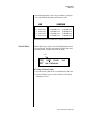
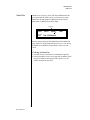
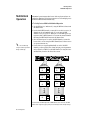
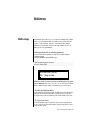
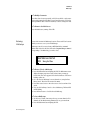
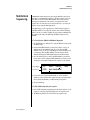
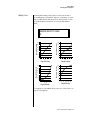
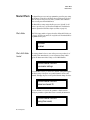
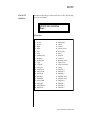
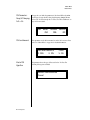
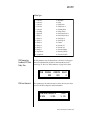
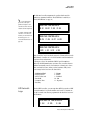
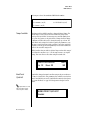
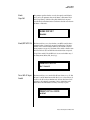
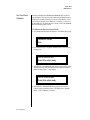
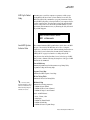
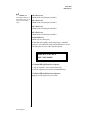
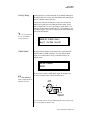
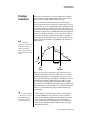
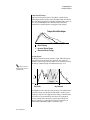
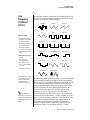
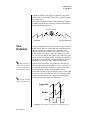
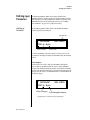
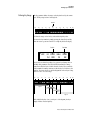
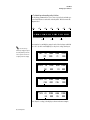
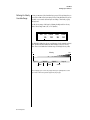
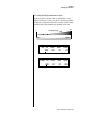
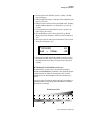
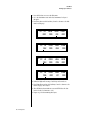
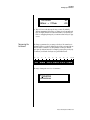
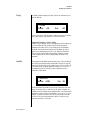
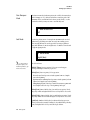
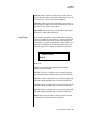
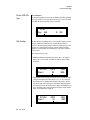
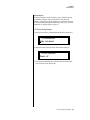
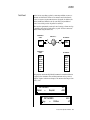
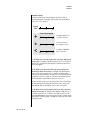
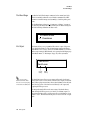
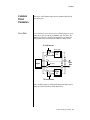
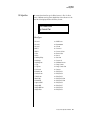
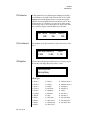
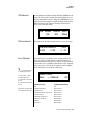
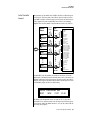
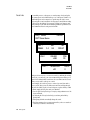
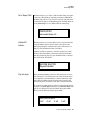
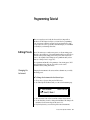
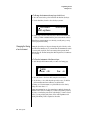
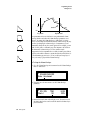
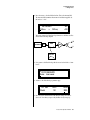
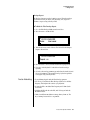
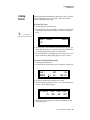
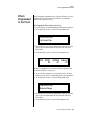
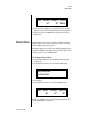
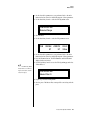
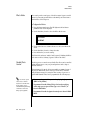
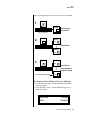
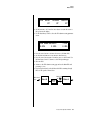
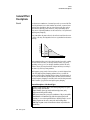
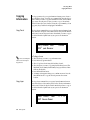
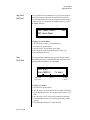
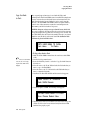
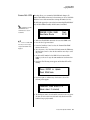
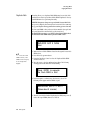
Save/Copy Menu The Save/Copy menu is used to save changes to a preset and to copy data between presets. When in “Quick Edit” mode, this menu always defaults to the “Save to Preset” page of this menu with the cursor on the second line. You can use the Data Entry Control to navigate to other pages that support copying information. Saving a Preset Any time you make a change to a preset, either using the Edit menu or by changing the Controller Knobs in Quick Edit mode, you must save the preset in order for the change to become permanent. When you save a preset it erases any existing preset information in that location. Make sure that the destination location does not contain preset information you want to keep. Each time you change a preset parameter, the Save/Copy button LED illuminates reminding you to save your work. SAVE PRESET to 0201 Destination Preset 1. 2. 3. 4. User To Save a Preset Press the Save/Copy menu button. Move the cursor to the bottom line on the display. Select the new preset location using the Data Entry Control. Press the Enter/Home button. Proteus 2000 Operation Manual 157