1
CONVENIENT PLAYBACK FUNCTIONS
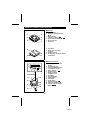
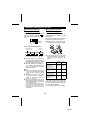
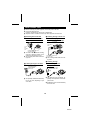
■ Cue and review
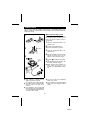
1 Load a MiniDisc and begin playback.
2 Press and hold down the 0/4 (4)
button for audible fast forward, or press
and hold down the 5 button for
audible fast reverse.
3 Normal playback will resume when the
5 or 0/4 (4) button is released.
■ APSS
(Auto Program Search System)
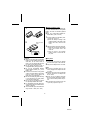
APSS automatically locates the beginning
of any track.
To move to the beginning of the next
track:
Press the /
(
) button during playback.
04 4
5
To re-start the track being played:
Press the
button during playback.
Notes:
● When the end of the last track is
reached during fast forward, the unit
will enter the pause mode. When the
beginning of the first track is reached
during fast reverse, the unit will enter
the playback mode.
● When the unit is in the all track repeat
mode, the search will wrap around from
the last track to the first, or vice versa.
● Depending on the contents recorded
on a MiniDisc, some sounds may be
skipped while cueing and reviewing.
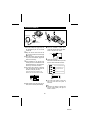
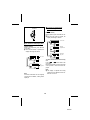
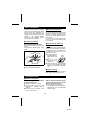
To search very quickly:
When fast forward or fast reverse is used
while in the pause mode, the search will
be performed more quickly than during
audible fast forward or fast reverse playback.
● In this mode, no sound is heard. Therefore, you should refer to the time display.
● When you lift your finger, the unit will
re-enter the pause mode.
5 04 4
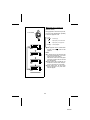
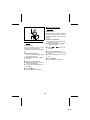
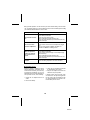
To skip a number of tracks at one time,
press the
or /
(
) button repeatedly until the desired track number is
shown.
5 4
0 4 06
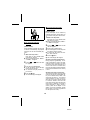
To begin playback at a desired track, press
the
or
button while in the stop
mode to select the track number. Then
press the /
(
) button.
Note:
● When the first track is selected and the
button is pressed, the last track on
the disc will be located. When the last
track is selected and the /
(
)
button is pressed, the first track will be
located.
5
04 4
10
MD-S301