1
Chapter 3 – Configuring the PC
Chapter 3 – Configuring the PC
You must establish TCP/IP communication on each PC (make sure a Network Card or Adapter has
been installed into each PC).
If Your Operating System Is Windows 98/Me:
Note: The following procedures are based on Windows 98. Procedures may differ slightly in Windows
Me. For Windows 98, check to see that you have installed the Windows 98 patch dated August 1998.
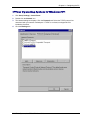
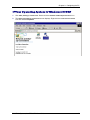
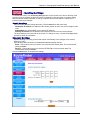
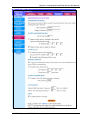
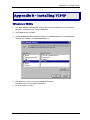
1. Click Start | Settings | Control Panel.
2. Double-click the Network icon.
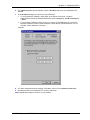
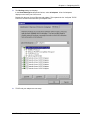
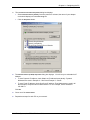
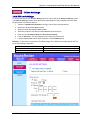
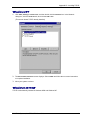
3. On the Configuration tab, select the TCP/IP protocol line associated with your network
card/adapter.
4. If the TCP/IP protocol line associated with your network card/adapter is listed, proceed to Step
5. If not listed, see Appendix B for installation directions.
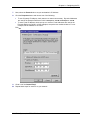
5. Then click the Properties button.
Multi-Tech Systems, Inc. RF550VPN User Guide
12