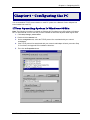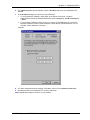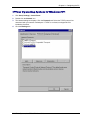
1
Appendix B – Installing TCP/IP
Windows NT
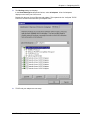
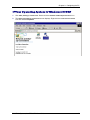
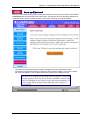
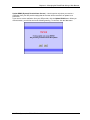
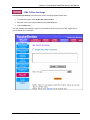
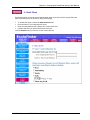
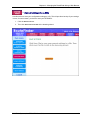
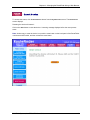
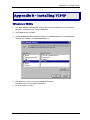
1. Click Start | Settings | Control Panel, and then double-click the Network icon. In the Network
dialog box, click the Protocols tab, and click the Add button.
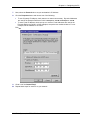
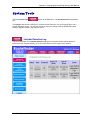
(This screen shows TCP/IP already installed)
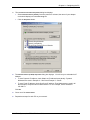
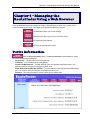
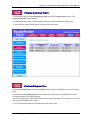
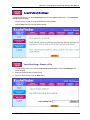
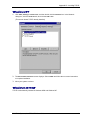
2. The Select Network Protocol screen displays. Select TCP/IP and follow the on-screen instructions
to complete installation.
3. Allow your system to reboot.
Windows 2000/XP
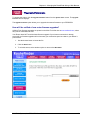
TCP/IP is automatically installed in Windows 2000 and Windows XP.
Multi-Tech Systems, Inc. RF550VPN User Guide
62