1
Color profile: Generic CMYK printer profile
Composite Default screen
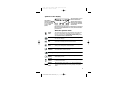
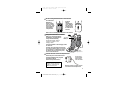
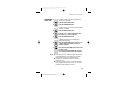
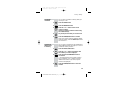
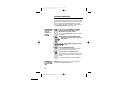
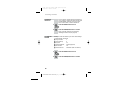
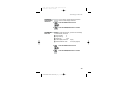
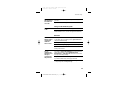
Symbols on the display
The time is shown if you’ve
set the handset’s clock
The handset’s
number (1 if you
have a single system,
1, 2 or 3 if you have
a Twin or Triple
system)
The base unit’s number (1,
unless you have registered
your handset to more than
one base unit)
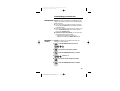
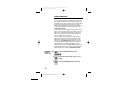
The duration of each call is shown on the display from 20 seconds
after you press the PHONE button for a line, until 5 seconds after
you end the call.
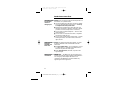
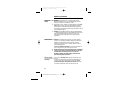
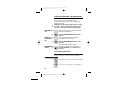
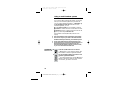
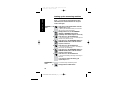
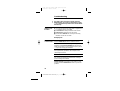
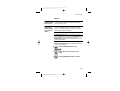
What the symbols mean
Signal
level
This shows the strength of the signal between the handset and
base unit. It flashes while the handset is trying to establish a
radio link to the base unit. If this symbol flashes while you’re
on a call, move closer to the base unit.
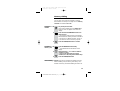
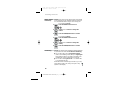
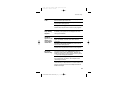
New call
This appears when you missed incoming calls (even if you do
not use Caller Display).
Intercom
call
This flashes while your handset is ringing for an intercom call,
and comes on steadily when the call’s connected.
Memory/
store
This comes on when you’re storing numbers in memory, and
when you’re making calls to stored numbers.
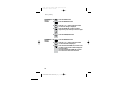
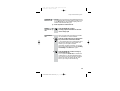
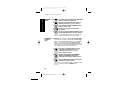
Indirect
network
This appears when the handset is dialling a non-local number
via an alternative provider’s network.
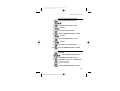
Redialling
This appears when you’re using Last Number Redial.
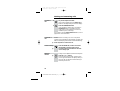
Caller
Display
This appears when you’re checking, or dialling from, the list of
Caller Display records.
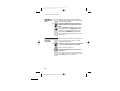
Keypad
locked
This appears when the keypad is locked, or when you’re trying
to dial a barred number.
Battery
charge
level
When this shows ‘nearly empty’ ( ), put the handset onto
the base unit or charger pod as soon as possible, to charge the
batteries. While the batteries are being charged, this symbol
blinks.
1
E:\Binatone2004\e820\e820_UK_03.vp
15 November 2004 11:48:11