1
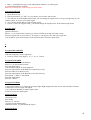
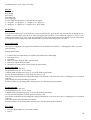
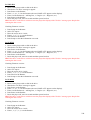
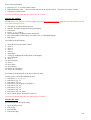
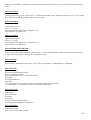
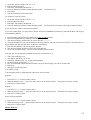
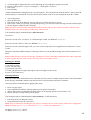
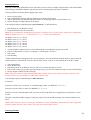
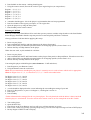
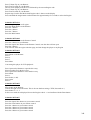
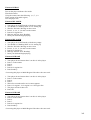
3. A menu should appear, with the option to change COUNTRY CODE to the required region number or 13 for
region free.
4. You can also enable the prohibition skip feature by changing OP PROH ON from 0 to 1.
5. Select NEXT PAGE to access another menu to remove Macrovision by changing the number from 1 to 0.
6. You can also enable error correction if needed.
7. Press Setup to exit the menu.
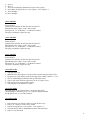
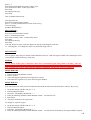
Kioto 2002-MP
1.
2.
3.
4.
5.
6.
7.
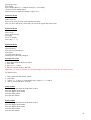
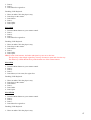
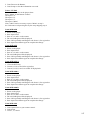
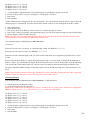
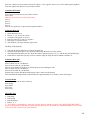
Press Open/Close, Stop on the remote.
Press 1, 9, 9, 9.
You should now be in a secret menu.
Press Enter on the remote control.
Select All for region free.
Press Enter.
Press Play.
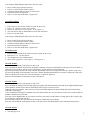
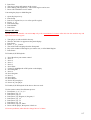
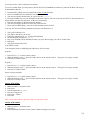
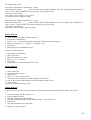
Kiss 713
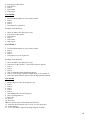
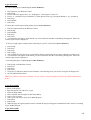
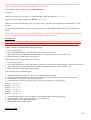
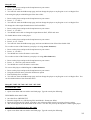
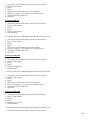
Press Menu (or SETUP), Slow, Left Skip, Right Skip on the remote control.
Press * for region free, A for region 1, B for region 2, etc.
Disable Macrovision:
Press Stop twice on the remote control.
Press Setup, Slow, Skip Right and Pause.
If the letter M shows in left upper corner, Macrovision is now disabled.
Press Setup on the remote control.
To view your firmware revision:
Press Setup, Slow, Skip Left, 3 on the remote.
Disabling Marcrovision does not work.
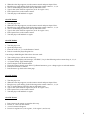
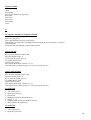
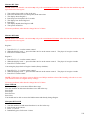
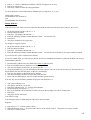
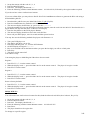
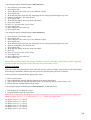
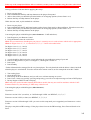
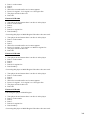
Kiss 1302
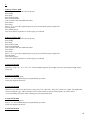
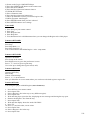
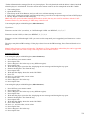
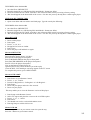
Switch it on
Press Setup
Press Slow
Press Skip left
Press Skip right
Use the Right Arrow button to select the desired region:
A = Region 1, B = Region 2, C = Region 3, D = Region 4
E = Region 5, F = Region 6, *** Region Free
Press Setup
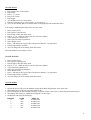
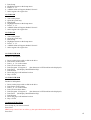
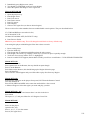
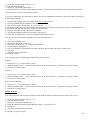
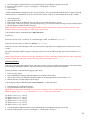
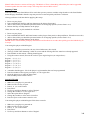
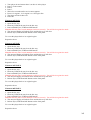
Kiss DVD 1502
Switch it on
Press Setup
Press Slow
Press Skip left
Press Skip right
Use the Right Arrow button to select the desired region:
A = Region 1, B = Region 2, C = Region 3, D = Region 4
E = Region 5, F = Region 6, *** Region Free
Press Setup
Kiss DP-330
85