1
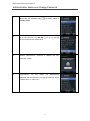
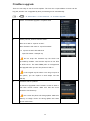
Setting Auto provisioning Server Address
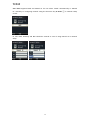
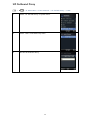
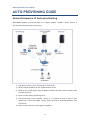
There are two way to set Auto provisioning Server address. The first one is input address in
menu via the key pad; another one is getting the address by DHCP server with the bootp
option 66.
1
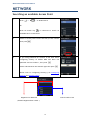
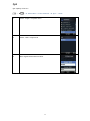
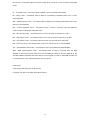
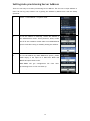
Select “4. APS address” in System mode.
2
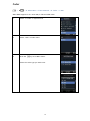
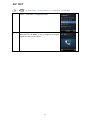
To set the address in manually, choose APS address in
the administrator menu. Three protocols, HTTP, HTTPs
and TFTP are available. Please make sure USE BOOTP 66
option is NO when using in manually setting the address.
.
3
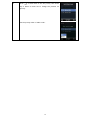
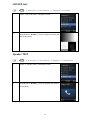
To set the address by DHCP BOOTP 66 option, please
make empty in the input IP or DNS field. Make USE
BOOTP 66 option filed to YES.
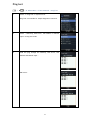
WPU-7800G will get configuration file from autoprovisioning server in the next boot up.
.
30