1
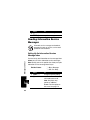
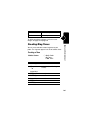
Managing Pictures
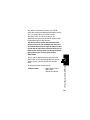
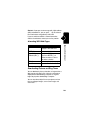
Note: Your phone may include predefined images. These
images are identified by a ë (predefined object)
indicator. You cannot rename, delete, or view details
about predefined images.
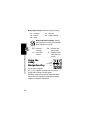
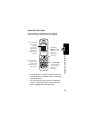
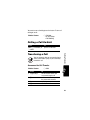
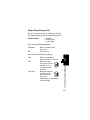
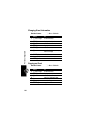
Find the Feature
M > Media Center
News and Entertainment
> Picture Viewer
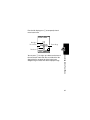
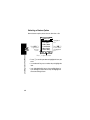
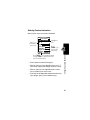
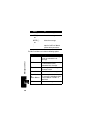
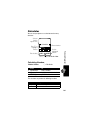
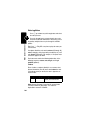
Press
1 S
2 SELECT (+)
3 S up or down
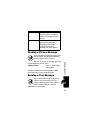
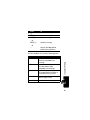
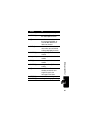
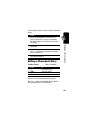
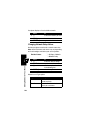
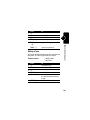
To
scroll to the picture
view the picture
view the previous/next picture
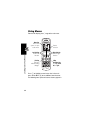
or
DETAILS (+)
view picture information
or
M
open the Picture Viewer
Menu to perform other
procedures
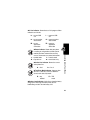
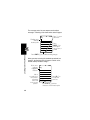
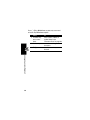
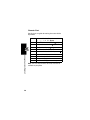
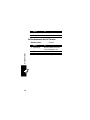
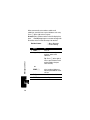
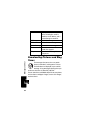
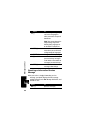
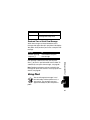
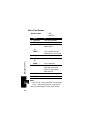
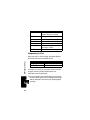
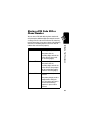
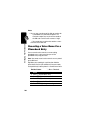
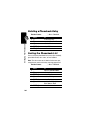
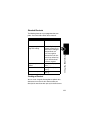
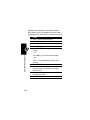
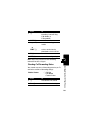
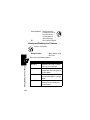
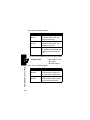
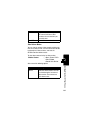
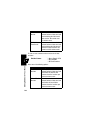
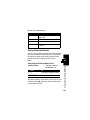
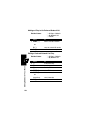
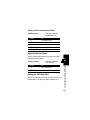
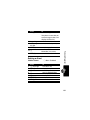
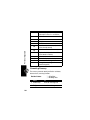
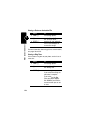
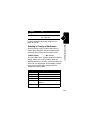
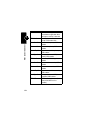
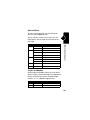
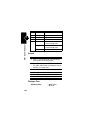
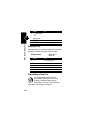
The Picture Viewer Menu can include the following
options:
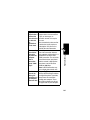
Option
Details
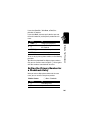
Set as Wallpaper
Description
View picture information.
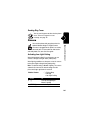
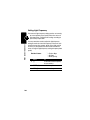
Set the picture as your
phone’s wallpaper image.
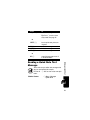
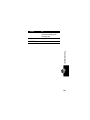
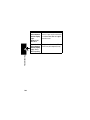
Set as Screen Saver Set the picture as your
phone’s screen saver image.
180