1
4339B
.
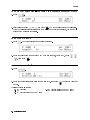
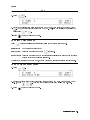
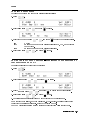
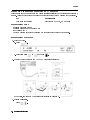
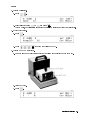
h. Press
i. Select OpenMeas using
or
and press
.
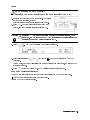
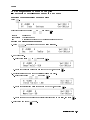
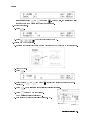
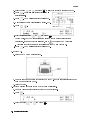
After a while, the OPEN correction will be completed with the message \Correction
Complete". (If Out Of Limit is displayed, see \
To Perform OPEN Correction
|Canceling the stray admittance in parallel with the DUT" in Chapter 2.)
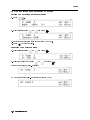
j. Press
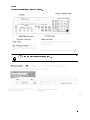
to turn OFF the test voltage. The V Output indicator will turn OFF.
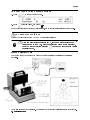
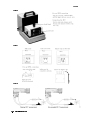
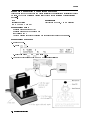
6. Connect the DUT and close the cover.
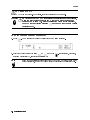
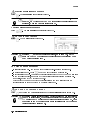
7. Press
.
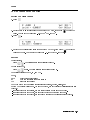
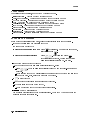
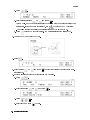
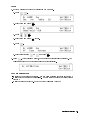
8. Select R using
or
and press
to select the resistance measurement mode.
R(Resistance).
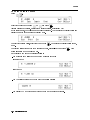
9. Set the measurement sequence charging time to 1 minute.
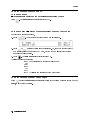
a. Press
.
b. Select Chrg using
c. Press
d. Select Exit and press
3-4
Measurement Examples
or
and press
.
to exit.
.