1
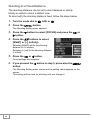
Showing Photos in Order Automatically
(SLIDE SHOW)
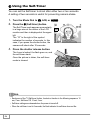
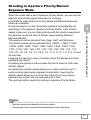
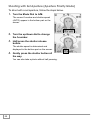
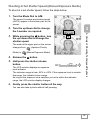
You can show the recorded still images, movies, and sound files
sequentially on the LCD Monitor. This function is called a slide show.
To view a slide show, follow the steps below.
1.
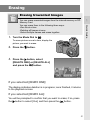
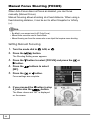
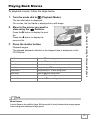
Turn the mode dial to 6.
The last shot taken is displayed.
Press the M button.
A Variety of Shooting Techniques/Playback
2.
The Playback menu appears.
3.
Make sure that [SLIDE SHOW] is
selected, and then press the O
button.
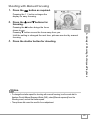
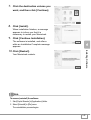
The slide show starts and files are
played back in order.
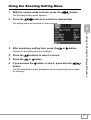
If you want to stop the slide show in
progress, press any button on the
camera.
Until stopped, the slide show will repeat
itself.
Note
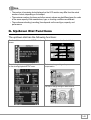
• Still images are displayed for 3 seconds each.
• For movies, not just one frame, but the entire movie you shot is displayed.
• Sound files are also played back.
99