1
Formatting Internal Memory
(IN FORMAT)
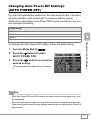
If an error message “Format the internal memory” is displayed, it will
be necessary to format the internal memory prior to use.
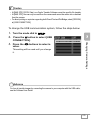
Caution
Formatting the internal memory erases all of the images recorded in the memory. If you have
images that you do not want to erase stored on the internal memory, please contact the Ricoh
Service offices prior to formatting it.
To format internal memory, follow the steps below.
1.
2.
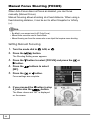
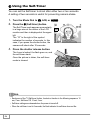
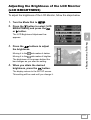
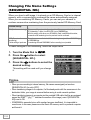
Turn the Mode Dial to 1.
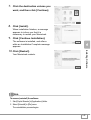
Press the " button to select [IN
FORMAT] and then press the O
or $ button.
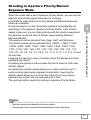
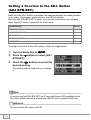
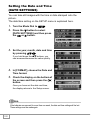
A screen appears to confirm formatting.
3.
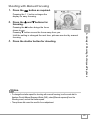
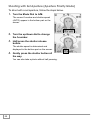
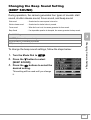
Press the #$ buttons to select
[YES] and then press the O
button.
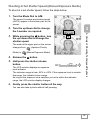
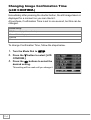
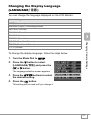
Formatting starts. When it is done, the
display returns to the SETUP menu.
112