1
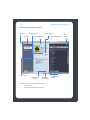
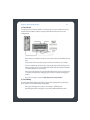
Macintosh® Desktop Controller
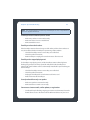
The Desktop Controller software is compatible with Macintosh OS X, version 10.3 or
later.
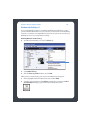
For easy setup, you should install the Desktop Controller (DCR) for Macintosh software
on every Macintosh computer in your network that contains music files.
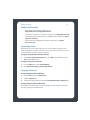
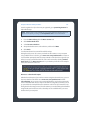
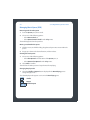
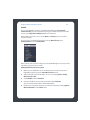
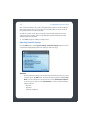
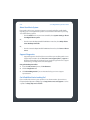
Sonos Setup Assistant
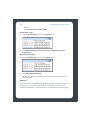
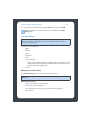
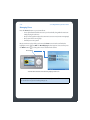
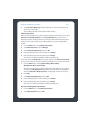
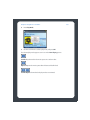
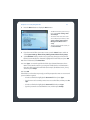
1. Open the Sonos Desktop Controller software. Review the License Agreement, and
then select Accept.
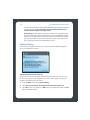
The Sonos Setup Assistant Welcome screen appears.
2. Select Continue.
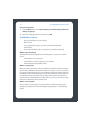
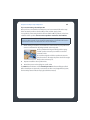
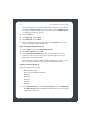
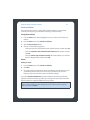
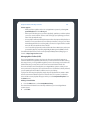
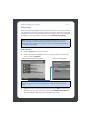
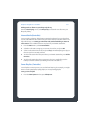
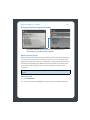
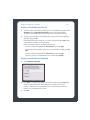
3. The Sonos Digital Music System is designed to provide you with online software
updates. At this time you will be prompted to check for the latest software update.
You can either check now, or check after you install the Sonos Digital Music
System.
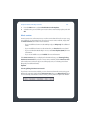
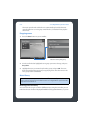
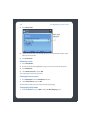
Your Sonos system must be registered to receive these updates so be sure to
register during the setup process when you are asked. At no time is your e-mail
address provided to other companies.
Chapter 4