1
Appendix
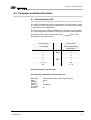
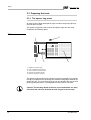
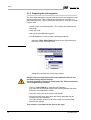
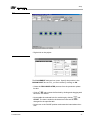
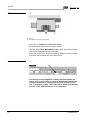
fig. 50:
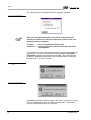
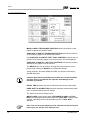
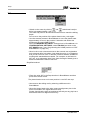
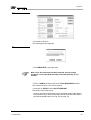
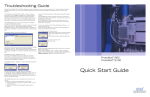
› Now click on Service.
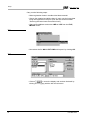
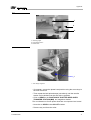
The following window appears.
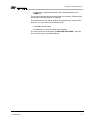
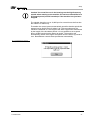
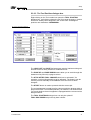
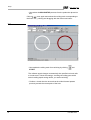
fig. 51:
› Enter BMASTER in the input field.
Note: Once the password has been entered, all tool change
functions can be operated manually and independently of one
another.
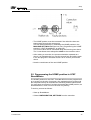
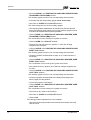
› Click on CHECK at the top left of the TOOL MAGAZINE window.
The machine moves to the check position.
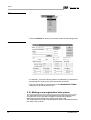
› Now click on OPEN in the COLLET WINDOW.
The plotter head collet opens.
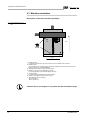
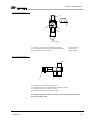
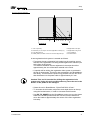
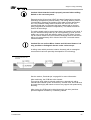
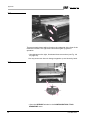
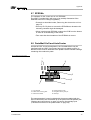
› Insert a universal milling cutter tool in the plotter head collet. Make
sure that the ring on the tool is at the same level as the lower plate of
the working depth limiter (see Fig. 52 on page 70).
ProtoMat 95s/II
69