1
●
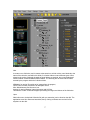
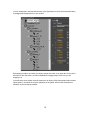
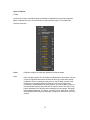
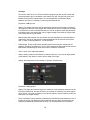
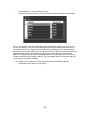
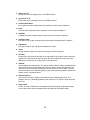
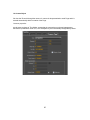
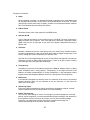
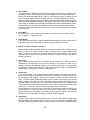
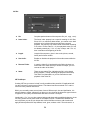
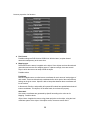
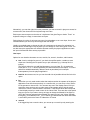
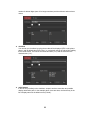
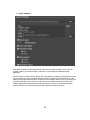
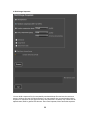
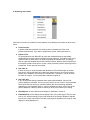
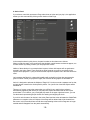
Render to disk: Here you can a choose a file name to be used for saving the graphics
you play back from the playout application.
●
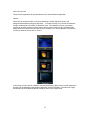
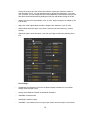
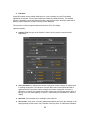
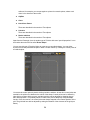
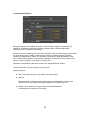
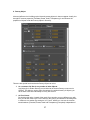
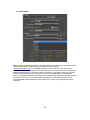
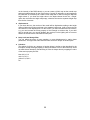
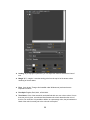
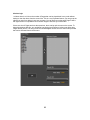
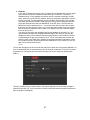
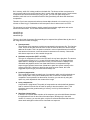
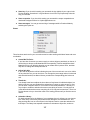
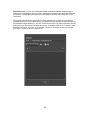
Texture Crop: You can use this tool to adjust the transformation for any of the textures in
the project. For this, you can use the numeric controls to change the values of
Translation, Rotation and Scale, but you can also use the Adjust toggle button to on, and
draw the rectangular area on the preview window to define the part of the texture you
want to use for cropping.
●
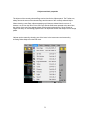
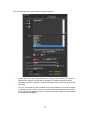
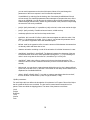
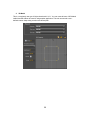
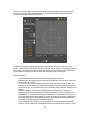
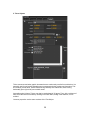
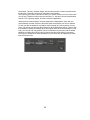
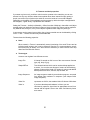
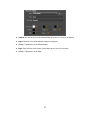
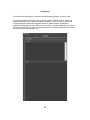
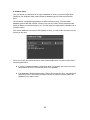
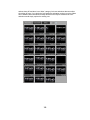
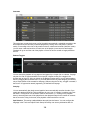
Add Bitmap: If you want to add a simple background to your design, this ordinarily
involves quite a few steps. You have to create a Material then a Texture. Then browse for
the bitmap file you want as the background, then assign the Texture as one of the texture
maps of the new Material. Then you still need to create a Primitive (Rectangle) and
assign the new Material to it. This Extra simplifies this process. You only need to browse
for the bitmap file, all other elements (Material, Texture, Rectangle) will be created by the
application for you. Even the ratio of the width and height of the Rectangle will be
calculated from the dimensions of the bitmap you chose.
109