1
FAX Operation (Basic)
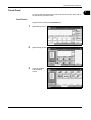
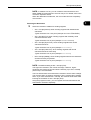
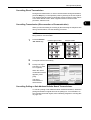
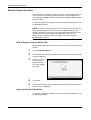
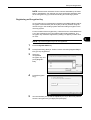
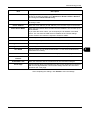
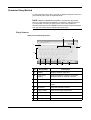
Cancelling Direct Transmission
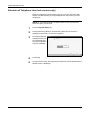
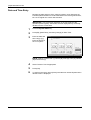
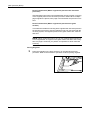
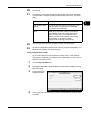
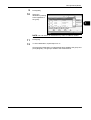
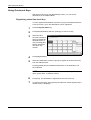
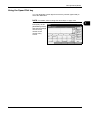
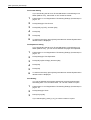
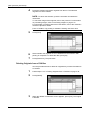
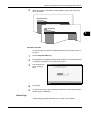
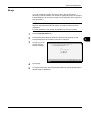
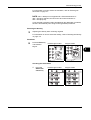
During direct transmission, to cancel communication during transmission,
press the Stop key on the operation panel or [Cancel] on the touch panel.
The originals that have been scanned are ejected, and the screen returns
to the send default screen. When originals remain in the document
processor, take them out.
3
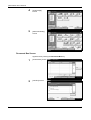
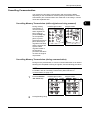
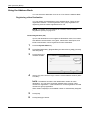
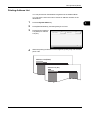
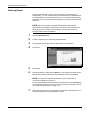
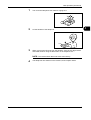
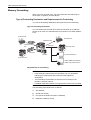
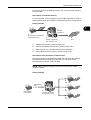
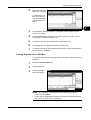
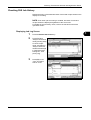
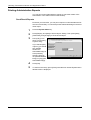
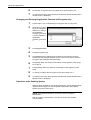
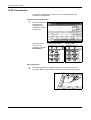
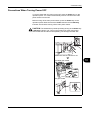
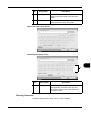
Cancelling Transmission (Disconnection of Communication)
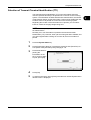
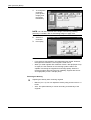
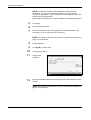
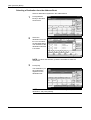
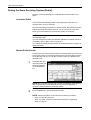
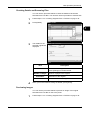
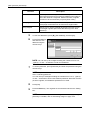
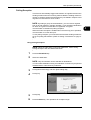
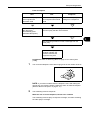
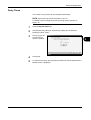
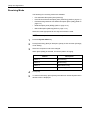
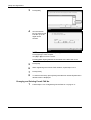
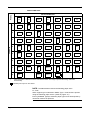
When you cancel sending or receiving by disconnecting the telephone line
during communication, use the following procedure.
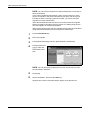
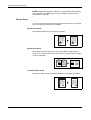
NOTE: If the Dual FAX option is installed, disconnect the line currently
being used for communication.
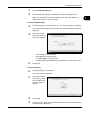
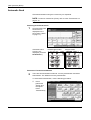
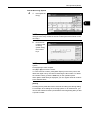
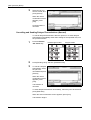
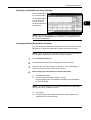
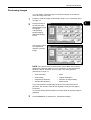
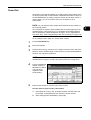
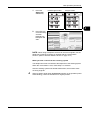
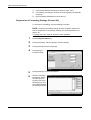
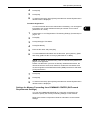
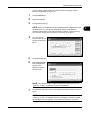
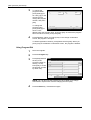
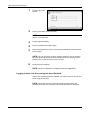
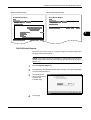
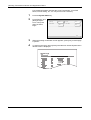
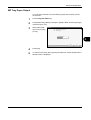
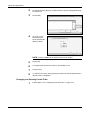
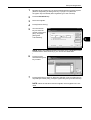
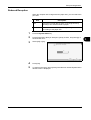
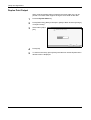
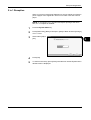
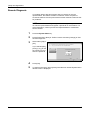
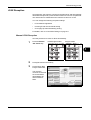
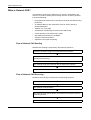
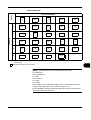
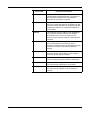
1
Press the Status/
Job Cancel key.
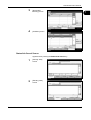
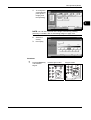
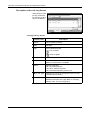
2
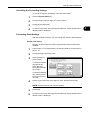
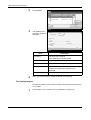
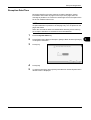
Press [Device/Communication].
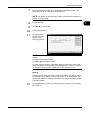
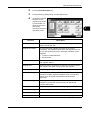
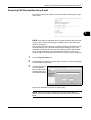
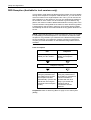
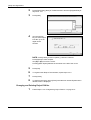
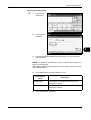
3
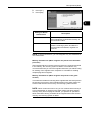
Press [Line Off] of
FAX Port 1 or FAX
Port 2 (option).
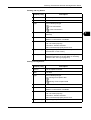
30/40/50 ppm model
25 ppm model
Status
Scanner
Hard Disk
Ready .
Printer
Ready .
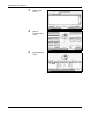
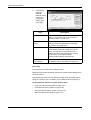
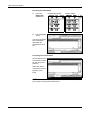
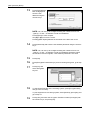
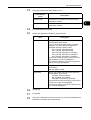
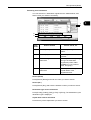
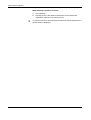
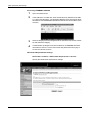
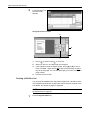
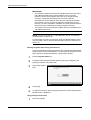
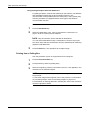
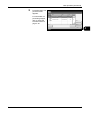
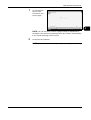
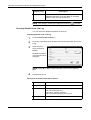
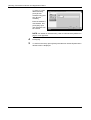
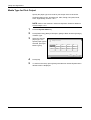
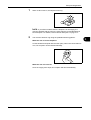
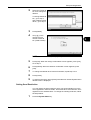
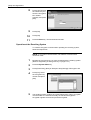
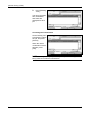
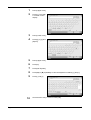
When the cancel
confirmation screen
appears, press
[Yes].
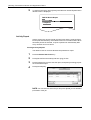
The line in
transmission is
disconnected.
Removable Memory
Memory Card
Not connected.
Format
Not connected.
Format
Remove
Printing list
FAX Line 1
Receiving...
Line Off
FAX
Printing Jobs
Manual RX
Log
FAX/i-FAX
Sending Jobs
Storing Jobs
Device/
Communication
Status
Check New FAX
Paper /Supplies
10/10/2007 10:00
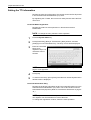
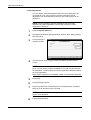
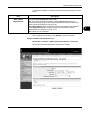
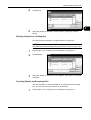
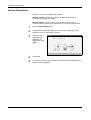
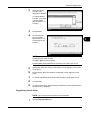
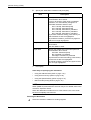
Cancelling Polling or Sub Address Bulletin Board Transmissions
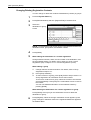
To cancel a polling or sub address bulletin board transmission, delete the
polling transmission original saved in the polling box. For information on
how to delete the saved original, refer to Deleting Originals in a Polling Box
on page 4-61.
OPERATION GUIDE
3-15