1
Individual phone configuration
Step by Step
Individual phone configuration
Display
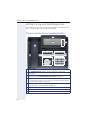
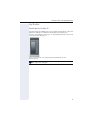
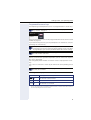
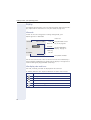
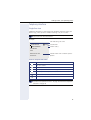
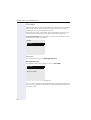
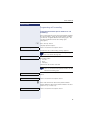
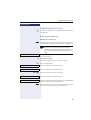
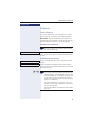
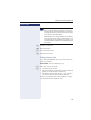
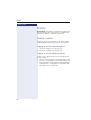
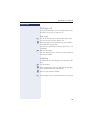
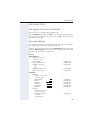
Adjusting the display to a comfortable reading angle
You can swivel the display unit. Adjust the display unit
so that you can clearly read the screen.
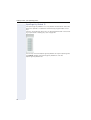
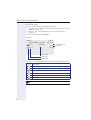
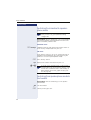
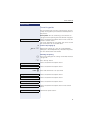
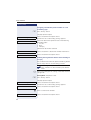
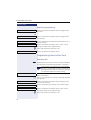
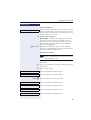
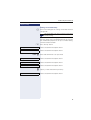
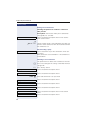
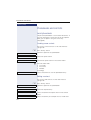
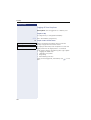
Setting contrast
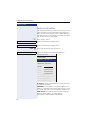
The display has six contrast levels that you can set according to your light conditions.
z You can also configure this setting via the Web interface
Æ page 176.
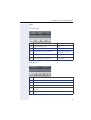
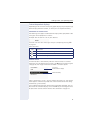
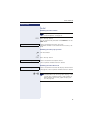
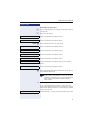
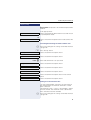
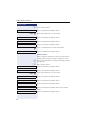
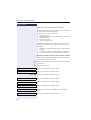
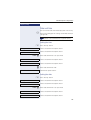
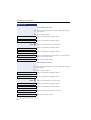
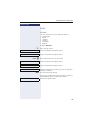
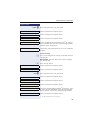
N Press the key shown.
Settings
Select and confirm the option shown.
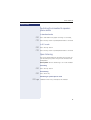
User
Select and confirm the option shown.
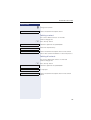
if nec. j Enter and confirm the User password.
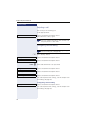
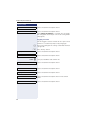
Phone
Select and confirm the option shown.
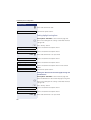
Display
Select and confirm the option shown.
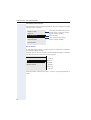
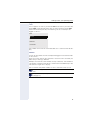
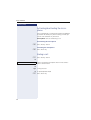
Contrast
Select and confirm the option shown.
gh Set and confirm the contrast.
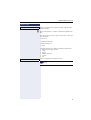
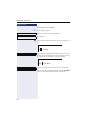
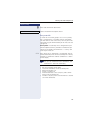
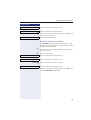
Save & Exit
Confirm the option shown.
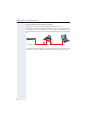
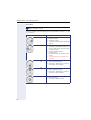
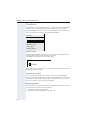
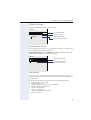
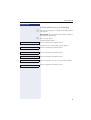
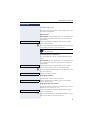
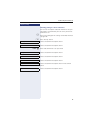
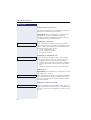
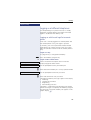
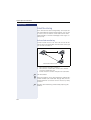
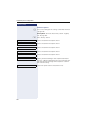
Background lighting
Your service personnel can set a time of between two
and eight hours defining how long the phone should be
idle before display backlighting deactivates completely.
157