1
Chapter 3 Examples
Chapter 3
Examples
Example 1. Edit Start Figure
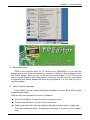
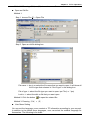
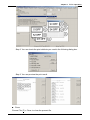
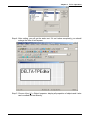
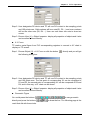
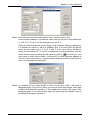
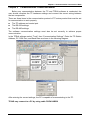
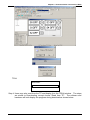
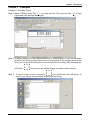
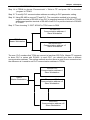
Step 1. Open TPEdit to select File(F) to create new file. Then choose View(V)> Start
Figure and it will escape Start Figure
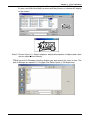
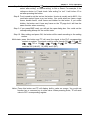
Step 2. In edition display, you can choose static text or static graphics. If you choose static
graphics, the mouse pointer will become to cross pointer in the working area. At this
time, you can press the left button of mouse and hold on to drag. After releasing the
left button,
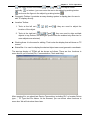
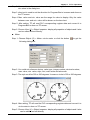
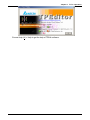
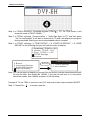
will show on the edition display as shown in above figure.
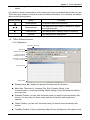
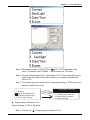
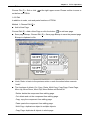
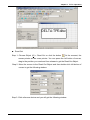
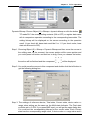
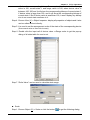
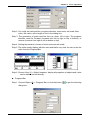
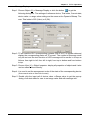
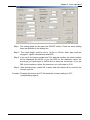
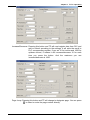
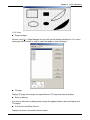
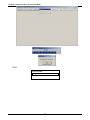
Step 3. To move mouse to this component
and double-click the left button of
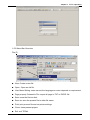
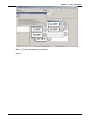
mouse, you will get the window as shown in the following.
3-1