1
DTR6400T_6700T_9 avril 07 EN.book Page 11 Jeudi, 10. avril 2008 2:38 14
7. INSTALLATION MENUS
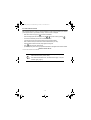
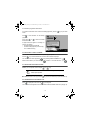
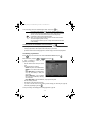
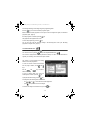
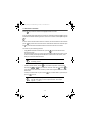
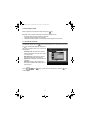
To move in the screens and change the various settings, simply use the keys
to indicate your selections,
to confirm, and
,
,
and
to quit the screens.
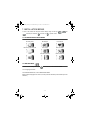
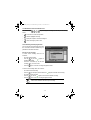
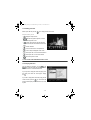
7-1 ACCESSING INSTALLATION MENUS
Recording timers
Recording list
Favourite lists
Electronic programme guide
User settings
Receiver settings
Media
Technical information
Radio channels list
7-2 USER SETTINGS
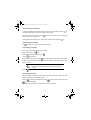
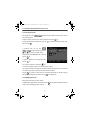
To access the user settings screen, press
. In the main menu, select USER SETTINGS.
7-2-1 Language selection
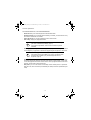
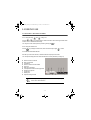
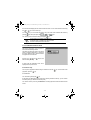
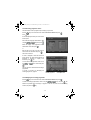
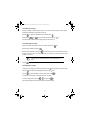
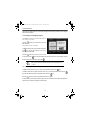
In the USER SETTINGS menu, select LANGUAGE SETTINGS.
Select the desired language for the menus, the audio (main and alternative) and the subtitles (main and
alternative).
- 11 -