1
ShoreTel Communicator for Windows
Chapter 8: Managing Address Entries
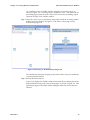
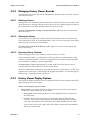
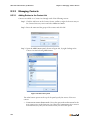
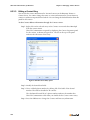
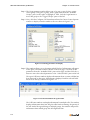
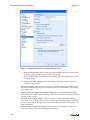
Step 2 Modify the desired data fields.
Step 3 Press the OK button to modify the address entry in your directory.
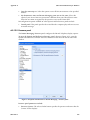
To delete a Personal contact, right-click the desired Directory entry and select Delete
Directory Item(s).
8.2.4
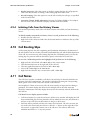
Initiating Calls through the Directory Viewer
You can initiate communication sessions to contacts through the Directory viewer.
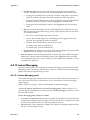
Communication sessions that you can initiate through Directory viewer include:
•
•
•
•
Voice calls to extensions and other phone numbers
Instant Messages
Voice Messages
Email messages
To initiate communication session to a Directory viewer contact, perform one of the
following:
•
Double click a Directory viewer entry to initiate a voice call
•
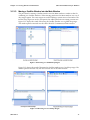
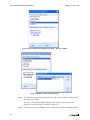
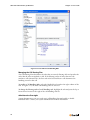
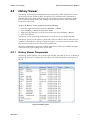
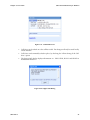
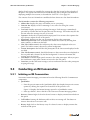
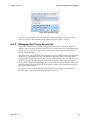
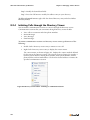
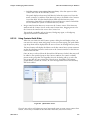
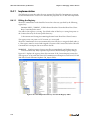
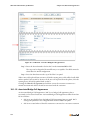
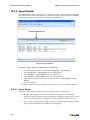
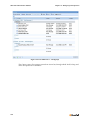
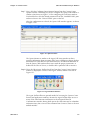
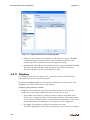
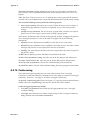
Right-click a Directory viewer entry to display the context menu.
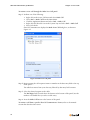
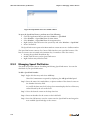
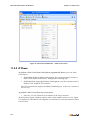
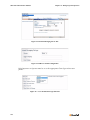
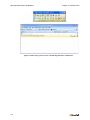
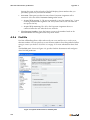
The context menu, as shown in Figure 8-5, displays the contact methods defined
for the user in the Directory viewer. The context viewer in Figure 8-5 provides a
business phone number, mobile phone number, home phone number, another
phone number, and an email address. Click on the desired address to initiate the
specified communication session.
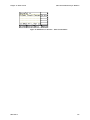
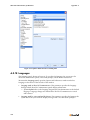
Figure 8-5 Directory Context Menu – Initiating a Communication Session
102