1
4. Analyzing Captured Data
Displaying Extracted Data
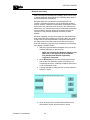
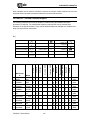
Once the extraction for standard and extended data is complete, the data is displayed
onscreen and will also generate the CellXtract report in HTML format. All data is individually
hashed using the MD5 algorithm to ensure that the data can be verified as unchanged.
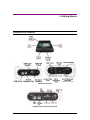
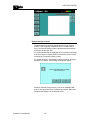
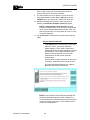
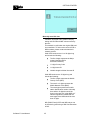
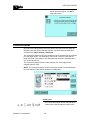
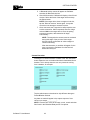
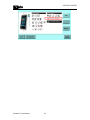
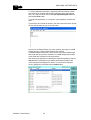
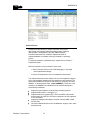
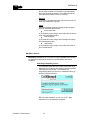
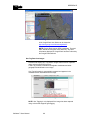
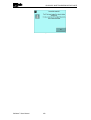
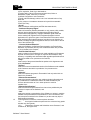
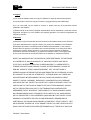
As of CellXtract software 1.5.x.x, the extracted data is viewable in a new on-screen report:
Preview screen
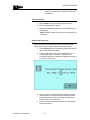
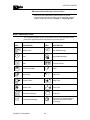
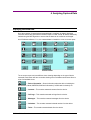
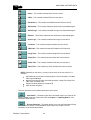
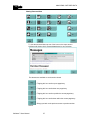
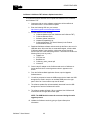
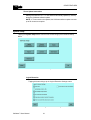
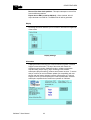
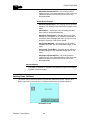
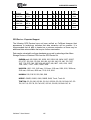
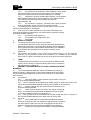
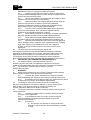
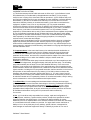
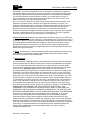
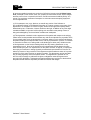
The on-screen report can have different icons showing depending on the type of device
extracted. Each button will have a number showing how much data was extracted. Here is
a list of all available icons:
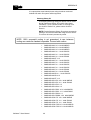
--- Device information – Shows information about the device including the
Manufacturer, Model, IMEI/ESN, SIM Card information (if a SIM card is included), etc.
--- Contacts – This contains extracted contacts from the device.
--- Call Logs – This contains extracted call logs from the device.
--- Messages – This contains extracted messages from the device.
--- Calendars – This contains extracted calendar entries from the device.
--- Tasks – This contains extracted tasks from the device.
CellXtract® User Manual
53