1
Managing Draft Messages
1.
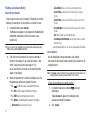
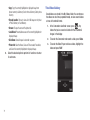
In Standby mode, press Messages, then select Drafts. A list
of any draft messages that you’ve composed appears in
the display.
2.
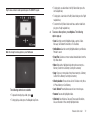
Highlight a message.
To remove the highlighted message from the Drafts box,
press Erase. You are prompted to confirm erasure of the
highlighted draft message.
• Press Yes to erase this draft message.
• Press No To keep this draft message in the Drafts box.
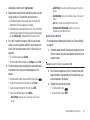
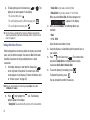
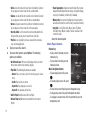
4. For other options, press Options. The following options
appear in the display:
• Send: Send the highlighted message to the original recipient, if the
recipient’s number and/or Email address is included with the draft
message.
• Lock / Unlock: Block/permit erasure of the highlighted message.
• Add To Contacts: Save the recipient’s number and/or Email
address to the Contacts list.
• Save Quick Text: Save the message text as Quick Text for insertion
into other messages.
• Erase Multiple: Delete selected unlocked messages from the draft
messages list.
5. Select an option to perform its function.
3.
Voicemail
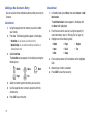
Messages in the voice mailbox are logged in the Voicemail box of
the Messages menu. Open the Voicemail box to view the
Callback # (if available), Urgency, and other details of the
Voicemail message.
Listen to Voicemail Now
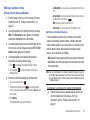
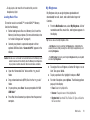
Once you’ve received a new voicemail message, you have the
option to either:
• Listen Now: Calls your voice mailbox and allows you to listen to your
messages.
• Listen Later: Returns to Standby mode where you can later choose to
call your mailbox and review your messages.
Select an option to perform its function.
Messaging
60