1
Application Operations (Continued)
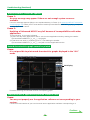
Opening data files
You can open and display two or more data files to compare the data in the files.
1
Select “Open” from the “File” menu in the menu bar.
2
Select a file to display and click “Open”.
The previously saved measurement data is displayed.
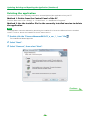
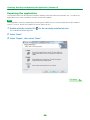
Exiting the application
1
Select “Exit” from the “File” menu.
The application closes.
17