1
81183_2 S6.book Page 20 Wednesday, May 7, 2003 11:27 AM
6-2-20
Section 6: Installation
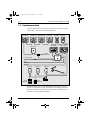
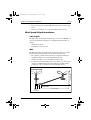
At each location, ensure that:
• The mounting panel is of a suitable thickness, (see Section 6,
Chapter 1, Table 1-1, Mounting surface thickness).
• The mounting surface is clean, smooth and flat.
• There is sufficient space behind the mounting panel to accommodate
the rear of the product and connectors.
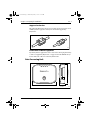
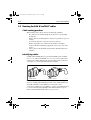
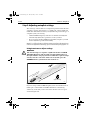
Instrument & keypad seals
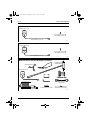
Each instrument and keypad is supplied with an edge seal and a surface
mount seal. An edge seal must be fitted with each product, whether flushmounted or surface-mounted.
Some seals, have a protective backing on each side and a self-adhesive
surface on one side. All protective backing must be carefully peeled off
before using the seal. It is recommended that you attach each selfadhesive seal to the instrument or keypad you are installing.
The keypad edge and surface mount seals are joined together when
supplied, so must be carefully separated before use.
Procedures
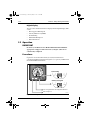
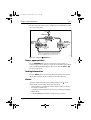
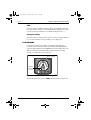
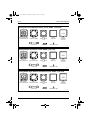
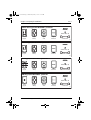
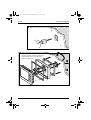
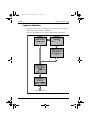
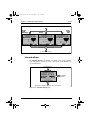
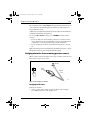
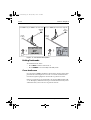
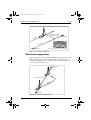
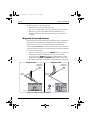
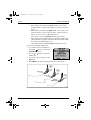
The installation procedures are illustrated below. Although the illustrations show a digital instrument, the general method is similar for all
ST290 instruments and keypads.
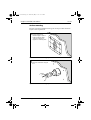
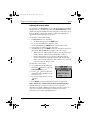
Flush mounting
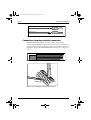
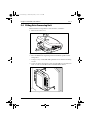
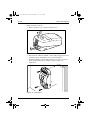
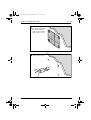
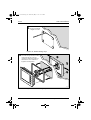
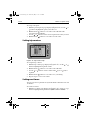
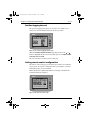
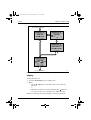
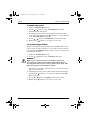
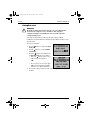
To flush mount an instrument or keypad, use the procedure shown in
Figure 2-19 to Figure 2-22 .
ST290 Instrument System Owner’s Handbook