1
VOLKTEK NSH-580 MANAGED 24-PORT 10/100 + 4 G COMBO L3 SWITCH
4
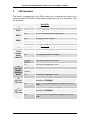
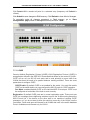
LED Indicators
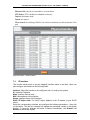
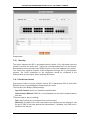
This Switch is equipped with Unit LEDs to enable you to determine the status of the
Switch, as well as Port LEDs to display what is happening in all your connections. They
are as follows:
Unit LEDs
LED
POST
PWR1
PWR2
LED
Condition
Status
Flashing
Indicating POST function upon start-up
On
POST function successfully performed
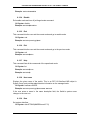
On (Green)
Primary power normal
Off
Primary power off or failure
On (Green)
Backup power normal
Off
Backup power off or failure
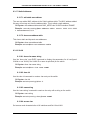
Port LEDs
Condition
Status
On (Green)
Port operating at 100Mbps
Off
Port operating at below 100Mbps
On (Green)
Illuminated when connectors are attached
Flashing
(Green)
Off
Data traffic passing through port
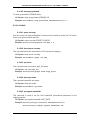
A
(25 ~28th
Gigabit
Ethernet
Ports)
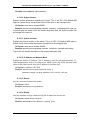
On (Green)
Illuminated when connectors are attached
Flashing
(Green)
Off
Data traffic passing through port
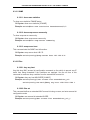
B
(25th~28th
G E Ports)
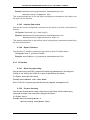
On (Green)
Port operating at 10Mbps. If LED C is also on, Port is
operating at 1000Mbps.
If LED C is on, port operating at 100Mbps; or else link
down
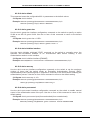
C
(25th~28th
G E Ports)
On (Green)
Port operating at 100Mbps. If LED B is also on, Port is
operating at 1000Mbps.
Off
If LED B is on, port operating at 10Mbps; or else link
down
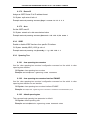
10/100
(Copper
Ports)
LNK/ACT
No valid link established on port
th
Off
No valid link established on port
15