1
AdonisC2_AEcopy110F_FM.book Page 63 Wednesday, October 3, 2001 1:43 PM
Programs
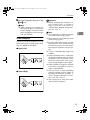
Note
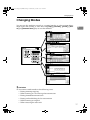
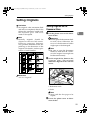
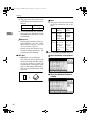
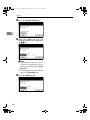
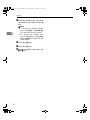
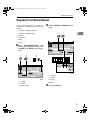
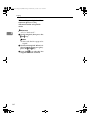
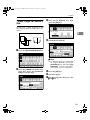
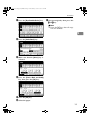
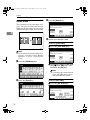
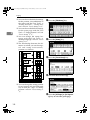
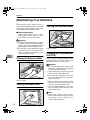
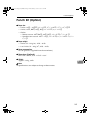
❒ If you do not wish to enter the
program name, go to step F.
❒ You can register up to 40 characters.
❒ To change the name entered,
press the [Backspace], [Delete] or
{Clear/Stop} key and enter new
letters.
Reference
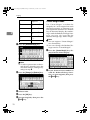
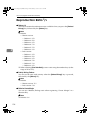
For details on entering characters, ⇒ "Entering Text Characters" in the System Settings
manual.
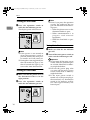
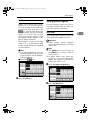
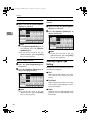
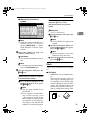
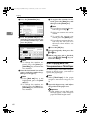
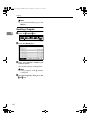
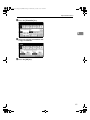
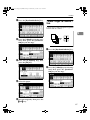
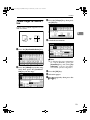
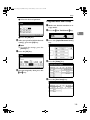
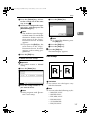
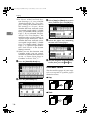
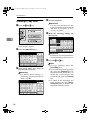
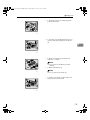
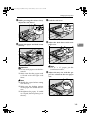
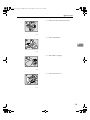
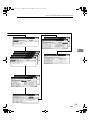
F Press the [OK] key.
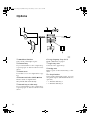
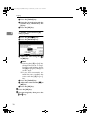
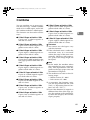
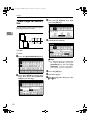
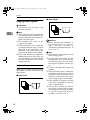
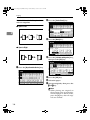
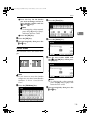
To overwrite the program
Important
❒ If you select [Register], the previous program is lost.
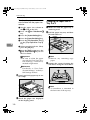
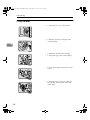
A Repeat steps E and F in Storing
a Program.
2
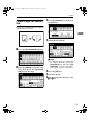
Not to overwrite the program
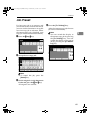
A Press the [Do not Register] key.
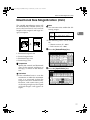
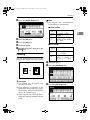
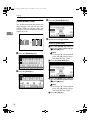
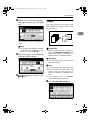
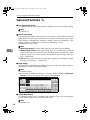
Deleting a Program
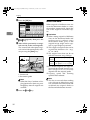
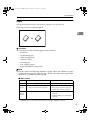
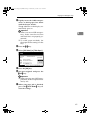
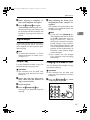
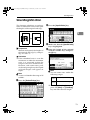
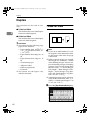
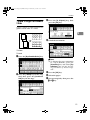
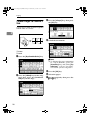
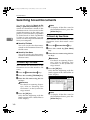
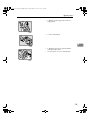
A Press the {Program}} key.
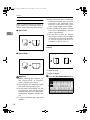
When the settings are successfully
stored, the m indicator goes on.
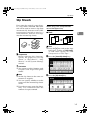
Changing a Stored Program
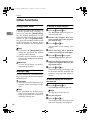
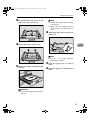
A Make sure the program settings.
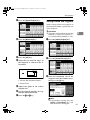
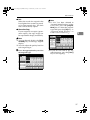
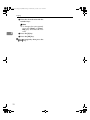
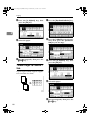
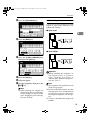
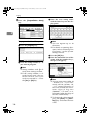
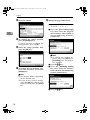
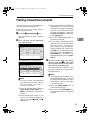
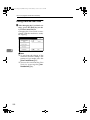
B Press the [Delete] key.
Note
❒ When you want to check the
contents of the program, recall
the program. ⇒ P.64 “Recalling a
Program”.
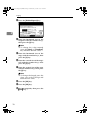
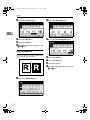
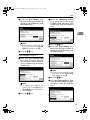
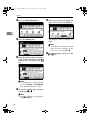
B Repeat steps A to D in Storing a
Program.
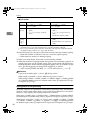
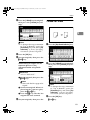
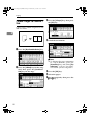
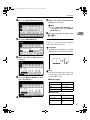
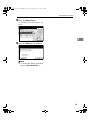
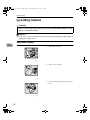
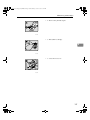
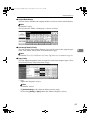
C Press
the program number you
want to delete.
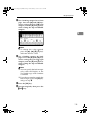
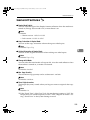
D Press the [Yes] key.
63