1
Introduction
Licensing Information
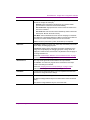
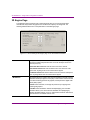
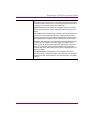
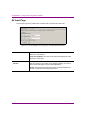
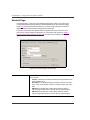
There are four (4) types of licenses available for the Vertigo XG to operate in its full capacity.
An additional license is available/required for the software CG. Each of the licenses is
described in the table below.
XGSD 4.0
The Vertigo XG requires an SD application license when outputting at SD
resolutions.
XGHD 4.0
The Vertigo XG requires an HD application license when outputting at HD
resolutions. An HD application license will also allow the XG to output at
SD resolutions.
XGAUDIO 4.0
The Vertigo XG requires a license to output certain types of audio. These
include: voice overs, clip audio, and AES discrete audio input/output. This
does NOT include embedded audio input/output.
XGCLIP 4.0
The Vertigo XG requires a license for clip playback.
XGSOFTWARE 4.0
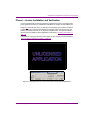
The SoftwareCG requires a software application license to function
properly. If the SoftwareCG does not have a valid application license, then
the LiveWindow will show the message "Unlicensed Application" and the
SoftwareCG will be internally disabled. It will only accept Dashboard
connections at this point.
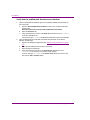
Instructions for verifying and installing licenses are available on page 5-3.
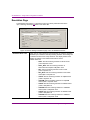
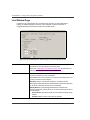
The Vertigo XG licenses are stored and managed by the Xmedia Server. Therefore, it is
important to specify the proper XMS connection settings on Dashboard’s Licensing page
(see page 4-27).
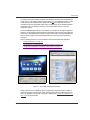
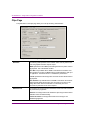
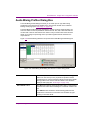
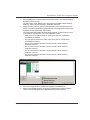
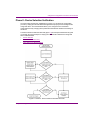
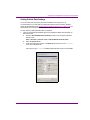
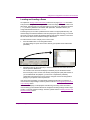
The Vertigo XG will not lose any functionality if they’re missing licenses. When the XG
detects that the user is trying to use a feature that is not licensed (ie: running the XG without
a proper application license, playing a clip without a clip license, or trying to use the AES
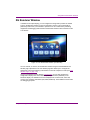
discrete audio without an audio license), it will enable a watermark feature.
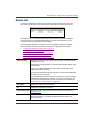
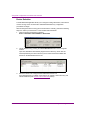
Figure 1-4. A watermark message appears if the Vertigo XG is not properly licensed
Vertigo XG Configuration Guide
1-5