1
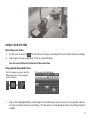
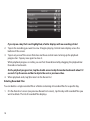
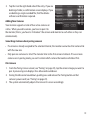
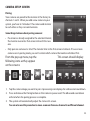
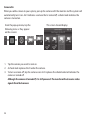
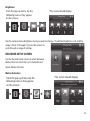
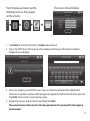
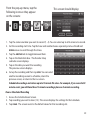
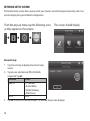
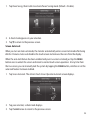
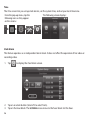
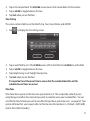
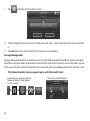
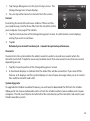
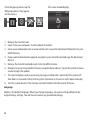
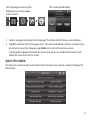
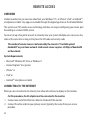
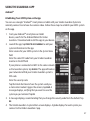
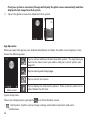
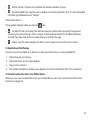
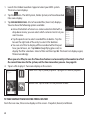
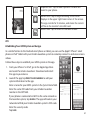
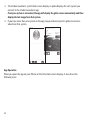
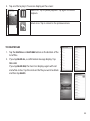
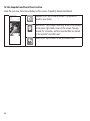
From the pop up menu, tap the following icons as they appear on the screens: This screen should display: 1. Select a language to change to that language. The Restore Default Settings screen displays. 2. Tap OK to continue with the language reset. The system will reboot in about 5 seconds. If you do not want to reset the language, tap CANCEL and return to the previous screen. Changing the language will reboot the system and ask you to recalibrate the touch screen. Follow the instructions on the screen. Quick Tips Screen The Quick Tips screen provides more detail into 10 common areas. Tap on a subject to display the information. 41