1
BIOS Setup
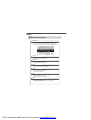
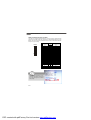
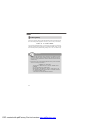
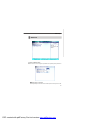
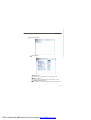
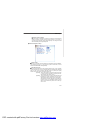
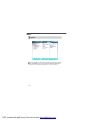
Chassis Intrusion Detect
The field enables or disables the feature of recording the chassis intrusion
status and issuing a warning message if the chassis is once opened. To
clear the warning message, set the field to [Reset]. The setting of the field
will automatically return to [Enabled] later.
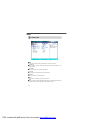
Power Management Setup
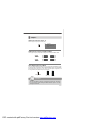
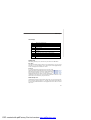
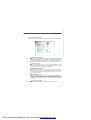
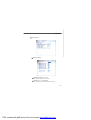
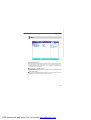
ACPI Function
This item is to activate the ACPI (Advanced Configuration and Power Management Interface) Function. If your operating system is ACPI-aware, such as
Windows 98SE/2000/ME, select [Enabled].
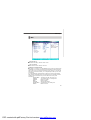
ACPI Suspend Type
This item specifies the power saving modes for ACPI function. If your operating
system supports ACPI, such as Windows 98SE, Windows ME and Windows
2000, you can choose to enter the Standby mode in S1 (POS) or S3 (STR)
fashion through the setting of this field. Options are:
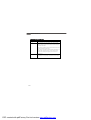
[S1(POS)] The S1 sleep mode is a low power state. In this state,
no system context is lost (CPU or chipset) and hardware maintains all system context.
[S3(STR)] The S3 sleep mode is a lower power state where the
information of system configuration and open applications/files is saved to main memory that remains
powered while most other hardware components turn
off to save energy. The information stored in memory
will be used to restore the system when a “wake up”
event occurs.
3-15
PDF created with pdfFactory Pro trial version www.pdffactory.com