1
Communication
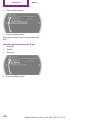
Bluetooth hands-free system
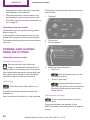
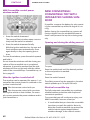
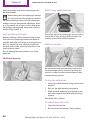
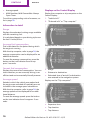
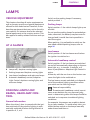
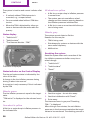
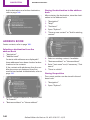
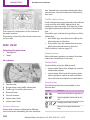
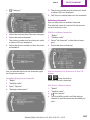
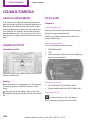
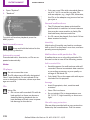
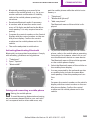
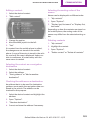
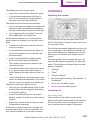
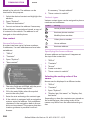
New contact
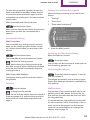
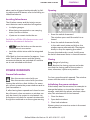
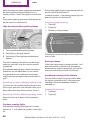
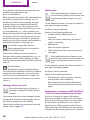
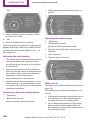
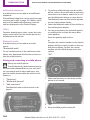
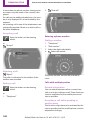
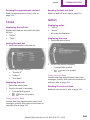
My contacts
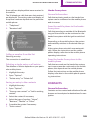
1. "Contacts"
General information
2. "New contact"
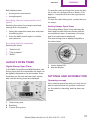
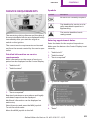
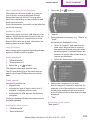
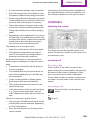
List of all contacts stored in the vehicle.
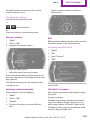
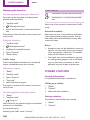
Displaying contacts
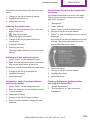
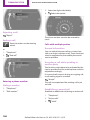
1. "Contacts"
2. "My contacts"
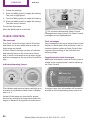
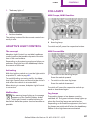
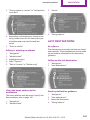
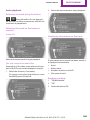
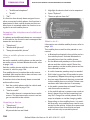
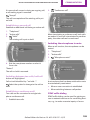
3. The entry fields are still filled with the previ‐
ous entries: "Delete input fields"
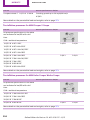
4. Fill in the entry fields: select the symbol
next to the entry field.
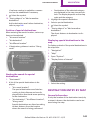
All contacts are listed in alphabetical order. De‐
pending on the number of contacts, an A-Z
search is offered.
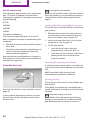
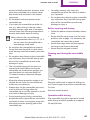
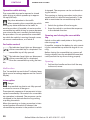
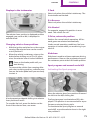
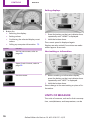
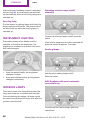
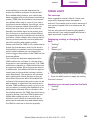
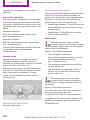
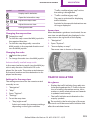
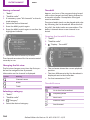
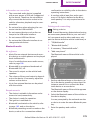
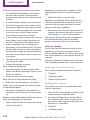
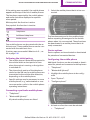
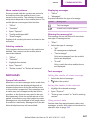
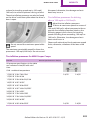
A symbol indicates the storage location of the
contacts:
5. Enter the text, refer to page 22.
If the vehicle is equipped with a navigation
system: enter the address. Only addresses
contained in the navigation data in the ve‐
hicle can be entered. This ensures that des‐
tination guidance is possible for all ad‐
dresses.
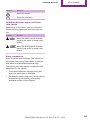
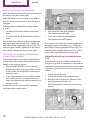
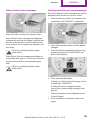
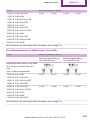
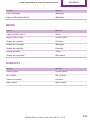
Symbol
Storage location
No sym‐
bol
In the vehicle; the address has not
been checked as a destination.
In the vehicle; the address has
been checked as a destination.
Mobile phone
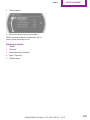
6. If necessary, "Store".
7. "Store contact in vehicle"
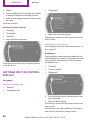
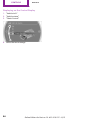
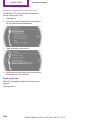
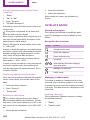
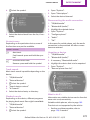
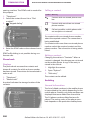
Specifying the home address
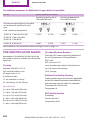
A home address can be stored. It appears at
the top of the contact list.
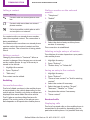
1. "Home"
2. Create a contact.
3. "Store contact in vehicle"
190
Online Edition for Part no. 01 40 2 919 017 - II/13