1
Destination guidance
6.
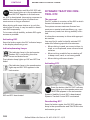
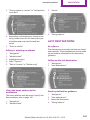
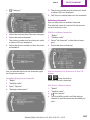
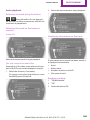
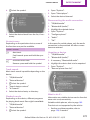
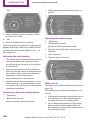
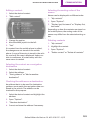
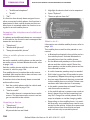
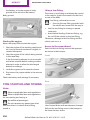
3. "New route for"
Navigation
Select the symbol.
7. "Start guidance": destination guidance to
the selected gas station is started.
"Add as another destination": the gas sta‐
tion is added to the route.
4. Turn the MINI joystick. Enter the number of
kilometers within which you would like to
return to the original route.
Destination guidance
through voice instruc‐
tions
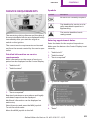
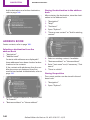
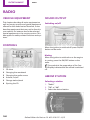
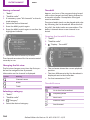
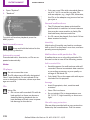
Switching spoken instructions on/off
5. Press the MINI joystick.
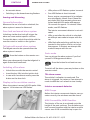
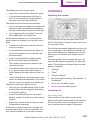
The spoken instructions can be switched on or
off during destination guidance.
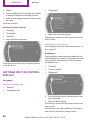
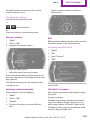
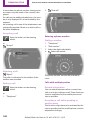
Resuming the original route
The setting is stored for the remote control cur‐
rently in use.
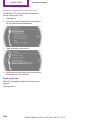
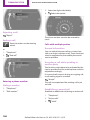
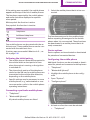
If the route section should no longer be by‐
passed:
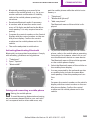
1. "Navigation"
1. "Navigation"
2. "Map"
2. "Route information"
3.
3. "New route for:"
4. "Remove blocking"
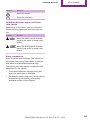
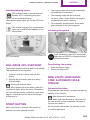
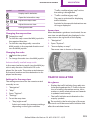
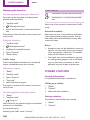
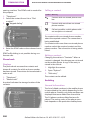
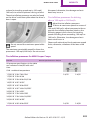
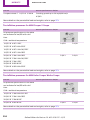
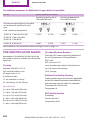
Symbol Function
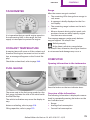
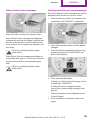
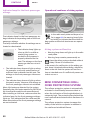
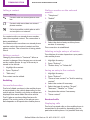
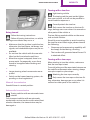
The spoken instructions are switched
on.
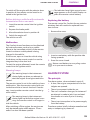
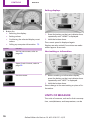
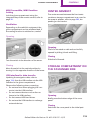
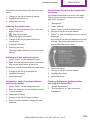
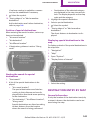
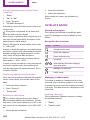
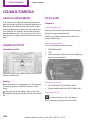
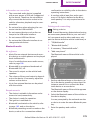
Gas station recommenda‐
tion
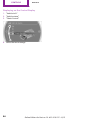
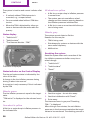
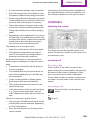
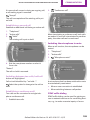
The remaining range is calculated and gas sta‐
tions along the route are displayed if needed.
Even with the latest navigation data, informa‐
tion on individual special destinations may
have changed; for example, gas stations might
not be in operation.
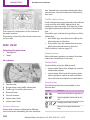
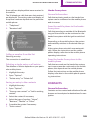
Select the symbol.
Spoken instructions are switched off.
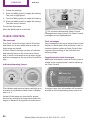
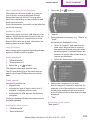
Repeating a spoken instruction
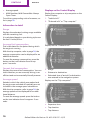
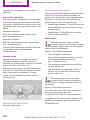
1. "Navigation"
2. "Map"
3.
Highlight the symbol.
4. Press the MINI joystick twice.
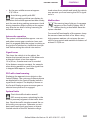
1. "Navigation"
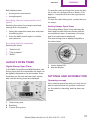
Volume of spoken instructions
2. "Route information"
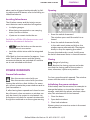
Turn the volume knob while giving an instruc‐
tion until the desired volume is set.
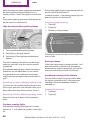
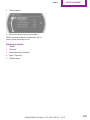
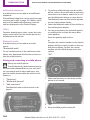
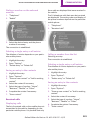
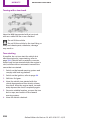
3. "Recommended refuel"
A list of the gas stations is displayed.
4. Highlight a gas station.
5. Select the gas station.
Online Edition for Part no. 01 40 2 919 017 - II/13
149